176
8
submitted 6 months ago by KaKi87@jlai.lu to c/kde@lemmy.kde.social
177
8
submitted 6 months ago by KaKi87@jlai.lu to c/kde@lemmy.kde.social

Steps to reproduce :

  • Open Ghostwriter ;
  • Start writing, e.g. # Hello, World! ;
  • Click Settings ;
  • Click Preview Options ;

Expected : preview options appear

Actual : Ghostwriter crashes

178
22
179
12

Hello! I'm working with typst files, and would like to write a kate plugin to automatically preview them inside kate. However, the official guide has instructions only for plasma 5. Does anyone have a bare-bones plugin project I can clone and modify, or some tips on how to adapt the files in the official guide in order to work on plasma 6?

Thanks in advance!

180
62
submitted 6 months ago by cm0002@lemmy.world to c/kde@lemmy.kde.social
181
18
submitted 6 months ago by kdenlive@floss.social to c/kde@lemmy.kde.social

The second maintenance release of the 25.04 cycle is out with many fixes and workflow improvements.

https://kdenlive.org/news/releases/25.04.2/
#kdenlive #videoediting #floss #kde #artWithOpenSource

@kde

182
19
submitted 6 months ago by kde@floss.social to c/kde@lemmy.kde.social

MA Barbe reviews KDE's contributions to the ecosystem during the State of Libre Graphics keynote at the @lgm 2025.

Although the whole video is interesting, the KDE section starts at 32:00 and covers the newest graphical features in #Plasma6, @Krita, @kdenlive and Glaxnimate.

https://media.ccc.de/v/lgm25-upstream-2025-83646-state-of-libre-graphics#t=1931

@kde@lemmy.kde.social

183
50
submitted 6 months ago* (last edited 6 months ago) by kde@floss.social to c/kde@lemmy.kde.social

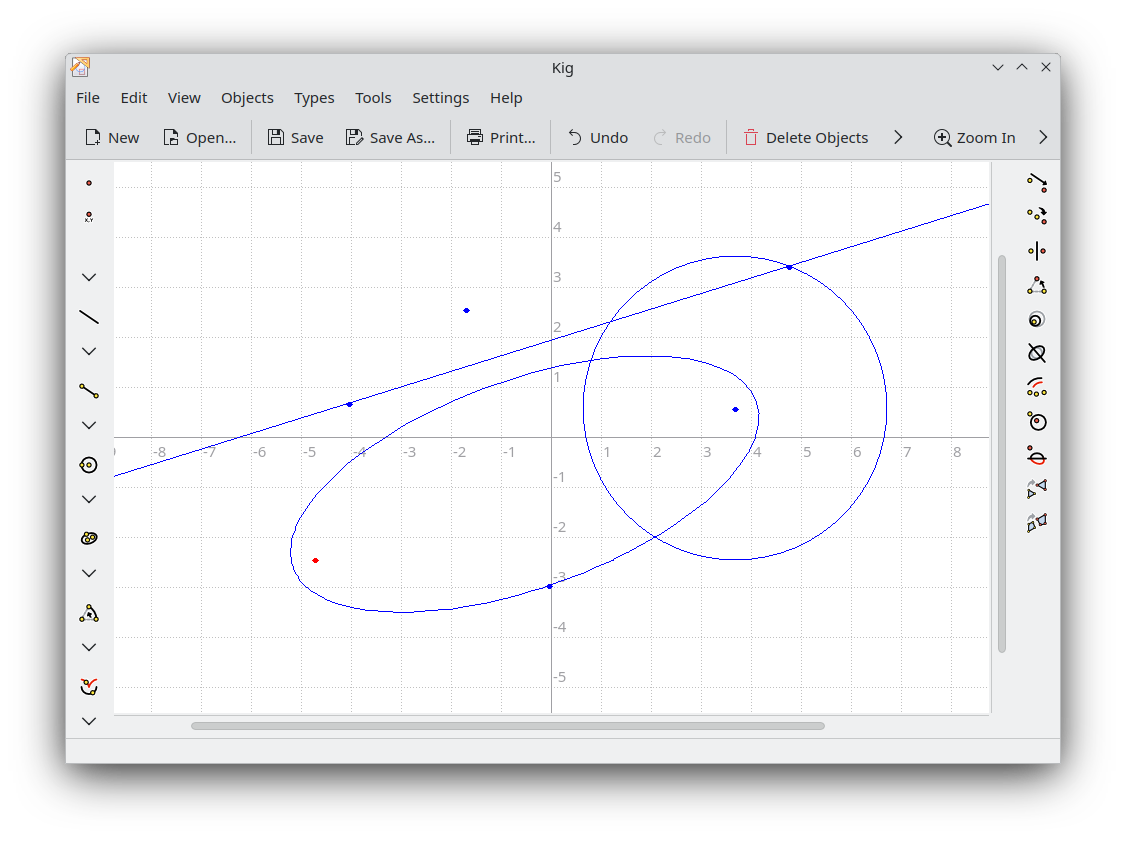
"This Week in KDE Apps" brings the news that KDE, celebrates its LGBTQIA+ colleagues and contributors more than ever, Windows users apparently REALLY like our apps, Okular now renders MobiPocket files much faster, and Kig, KDE's educational app to learn geometry, has been ported to Qt6/KF6.
https://blogs.kde.org/2025/06/08/this-week-in-kde-apps/

@kde@lemmy.kde.social

184
12
submitted 6 months ago by bimbimboy@lemm.ee to c/kde@lemmy.kde.social

I enabled the automatic login on Login SDDM

But now, every time I start my computer, kwallet asks for my password.

I kinda enabled the automatic login to not have to type my password, this kinda defeats the purpose of it @_@

185
18
This Week in KDE Apps (blogs.kde.org)
submitted 6 months ago by cm0002@lemmy.world to c/kde@lemmy.kde.social
186
2

No es exactamente un #ViernesDeEscritorio, pero tengo tiempo con la idea de donar esta vieja laptop a la Iglesia local.

Como lo más probable es que llegue a manos de alguien más bien acostumbrado a Windows, me incliné por instalarle @kubuntu 24.04 LTS en una SSD.

Me incliné por la aproximación de "Simple de forma predeterminada, poderoso cuando hace falta" de @kde y dejo un equipo limpio que cualquier persona pueda usar sin preocuparse por el #FinDe10.

187
55
submitted 6 months ago by kde@floss.social to c/kde@lemmy.kde.social

This Week in Plasma brings the news that, with Plasma 6.4 little more than a week away, developers are hard at work crushing bugs and polishing the code.

In other news: The app launcher menu favorites and the networks list in System Settings are now keyboard-accessible, the Info Center’s Energy graph gets a smooth animation, and much more.

https://blogs.kde.org/2025/06/07/this-week-in-plasma-plasma-6.4-is-nigh/

#plasma6 #FreeSoftware #opensource

@kde@lemmy.kde.social

188
36
submitted 6 months ago by cm0002@lemmy.world to c/kde@lemmy.kde.social
189
29
submitted 6 months ago by cm0002@lemmy.world to c/kde@lemmy.kde.social
190
10
submitted 6 months ago* (last edited 6 months ago) by kdenlive@floss.social to c/kde@lemmy.kde.social

@nuxttux made a very cool video showing off some highlights of the 25.04 release. Check it out!

https://www.youtube.com/watch?v=C8kIBtMjOig

#videoediting #kdenlive #artWithOpenSource #video #editing

@kde

191
170
submitted 6 months ago by Endof10@floss.social to c/kde@lemmy.kde.social

*KDE for Windows 10 Exiles*

Upgrade your software, not your computer

https://kde.org/for/w10-exiles/

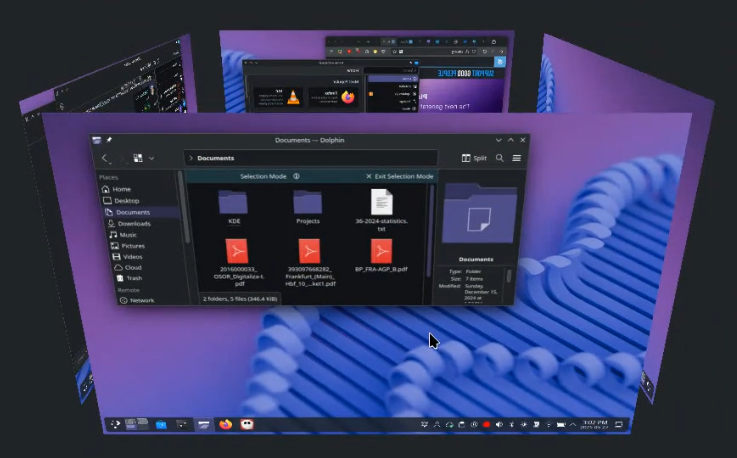
In this post #KDE presents Plasma as one of many great interfaces available in #Linux, and they include some tricks for making the migration from #Windows 10 easier.

@kde @be4foss @kde_espana and @kubuntufocus support #EndOf10 to prevent #eWaste!

https://endof10.org/

@kde@lemmy.kde.social

Toots do not equal a recommendation.

#FreeSoftware #OpenSource #FOSS #FLOSS #GNU #GNUlinux #Sustainability #Win10 #Win11
192
18
193
3
@alandvalonline (social.vivaldi.net)

@alandvalonline
@kde@floss.social @Endof10 @kde@lemmy.kde.social

Thank you for pointing me to the start line! 😀 👍

194
196
submitted 6 months ago* (last edited 6 months ago) by kde@floss.social to c/kde@lemmy.kde.social

KDE creates a safe haven for Windows 10 exiles.

In the context of the @Endof10 campaign, we have created a new "for" page, this time "for Windows 10 exiles":

https://kde.org/for/w10-exiles/

In it we explain how Linux with Plasma can help users escape the deranged cycle of having to buy a new computer every time Microsoft force-upgrades their operating system.

#Windows11 #Microsoft #endOf10

@kde@lemmy.kde.social

195
121
196
7
submitted 6 months ago* (last edited 6 months ago) by bimbimboy@lemm.ee to c/kde@lemmy.kde.social

Hello. I enabled the scale effect when opening/closing windows. How can I make this same effect apply to minimizing/maximizing windows on plasma desktop?

I don't mind writing a custom kwin rule, I just never did it before, so I'd need a little help with that :)

197
12
submitted 6 months ago* (last edited 6 months ago) by DonutsRMeh@lemmy.world to c/kde@lemmy.kde.social

I dont know if the title makes much sense, but I'll explain as much as I can here to (hopefully) make it make sense. I want to report this issue to the kde team, but I wanted to come here first to ask for opinions on how to report it, especially the wording/technicality, so I don't confuse them when they look at the report.

When I install anything through wine/proton, the apps on the screen lose their focus/or their focus becomes all messed up. For instance, when I right click on dolphin or the terminal, the right click menu is now showing behind the app and I can only see some of it (when I click close to the edge of the app). If I have a browser that is maximized, I won't be able to see the menu at all, as it's behind the app.

When I bring up an app into focus from the panel, it shows behind whatever app that is already on the screen. Clicking on the app that is already on the screen still clicks the app I brought up from the panel as if it were in the front. So the app that I brought up from the panel is the one in focus and is clickable, but it's hiding behind the one already on the screen. I'm so sorry if this doesn't make sense, I'm trying my best to explain it. Hope this makes sense. If not, please ask questions and I'll answer. This issue has been consistent across distros and a Wayland exclusive one. I do have 4k monitors if that makes any difference and I run all AMD.

I can only fix it by either changing to a new workspace, logout/login or reboot.
Current distro is CachyOS

198
15
submitted 6 months ago by KaKi87@jlai.lu to c/kde@lemmy.kde.social

Hi,

I configured Spectacle with the following keyboard shortcuts :

  • Print Screen = selected area ;
  • Win + Print Screen = active window ;
  • Ctrl + Print Screen = entire screen.

However, that only works for saving to file. Enabling copying to clipboard in settings only works when opening the full Spectacle app where it takes a full screen picture by default while having to retake when needing something else.

Is there any way to make the keyboard shortcut copy to clipboard at the same time as saving to file ?

Thanks

199
132
submitted 6 months ago* (last edited 6 months ago) by kde@floss.social to c/kde@lemmy.kde.social

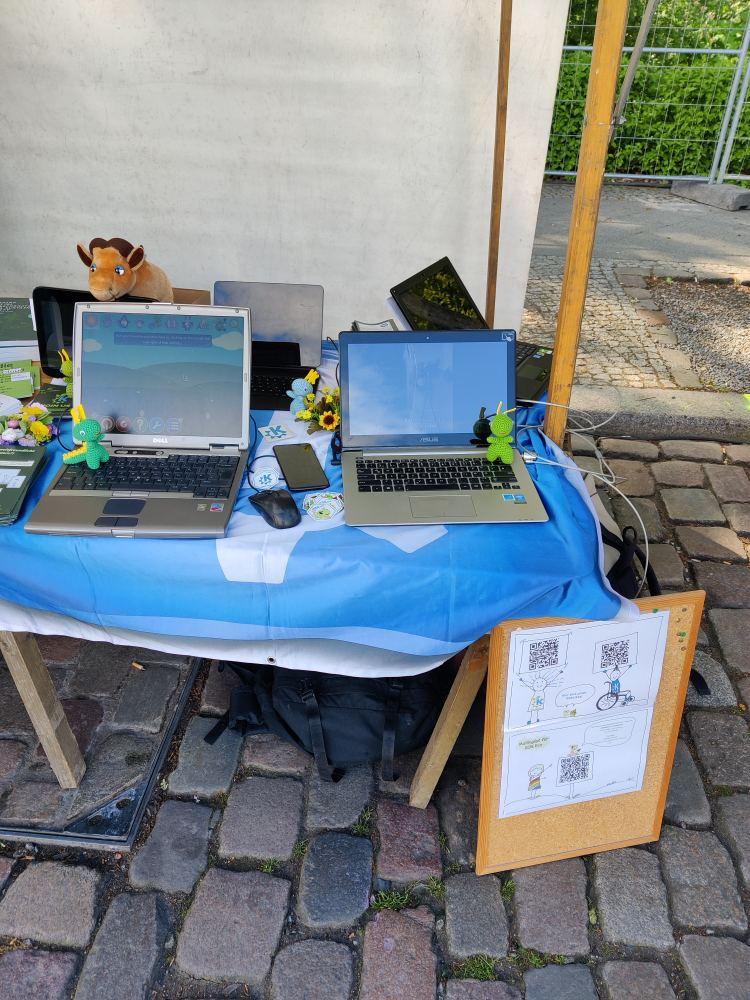
KDE and its eco initiative will have a booth tomorrow at the Umweltfestival in Berlin. The event is free to attend, so come chat with us and let's talk about #endOf10
https://www.umweltfestival.de/

@kde@lemmy.kde.social

200
60
submitted 6 months ago by kde@floss.social to c/kde@lemmy.kde.social

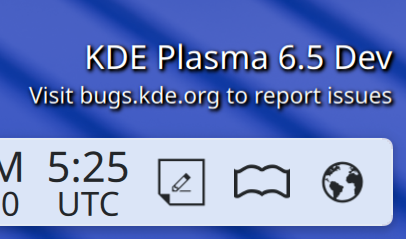
"This Week in Plasma" brings elegant symbolic icons for the dictionary and web browser widgets, a warning about rising the volume limits, improvements to the Bluetooth pairing wizard, and tons of tweaks and corrections for the upcoming versions of Plasma.

https://blogs.kde.org/2025/05/31/this-week-in-plasma-plasma-6.4-stabilizes/
#Plasma6 #freesoftware #OpenSource #desktop

@kde@lemmy.kde.social

view more: ‹ prev next ›

KDE

7394 readers
5 users here now

KDE is an international technology team creating user-friendly free and open source software for desktop and portable computing. KDE’s software runs on GNU/Linux, BSD and other operating systems, including Windows.

Plasma 6 Bugs

If you encounter a bug, proceed to https://bugs.kde.org/, check whether it has been reported.

If it hasn't, report it yourself.

PLEASE THINK CAREFULLY BEFORE POSTING HERE.

Developers do not look for reports on social media, so they will not see it and all it does is clutter up the feed.

founded 2 years ago
MODERATORS