401
27
submitted 11 months ago by cm0002@lemmy.world to c/kde@lemmy.kde.social
402
29
submitted 11 months ago* (last edited 11 months ago) by kde@floss.social to c/kde@lemmy.kde.social

"This week in KDE apps" brings improvements in usability, accessibility and customization to @arianna, Dolphin and Itinerary, and supercharges to @tokodon ready for the #january20 mass migration.
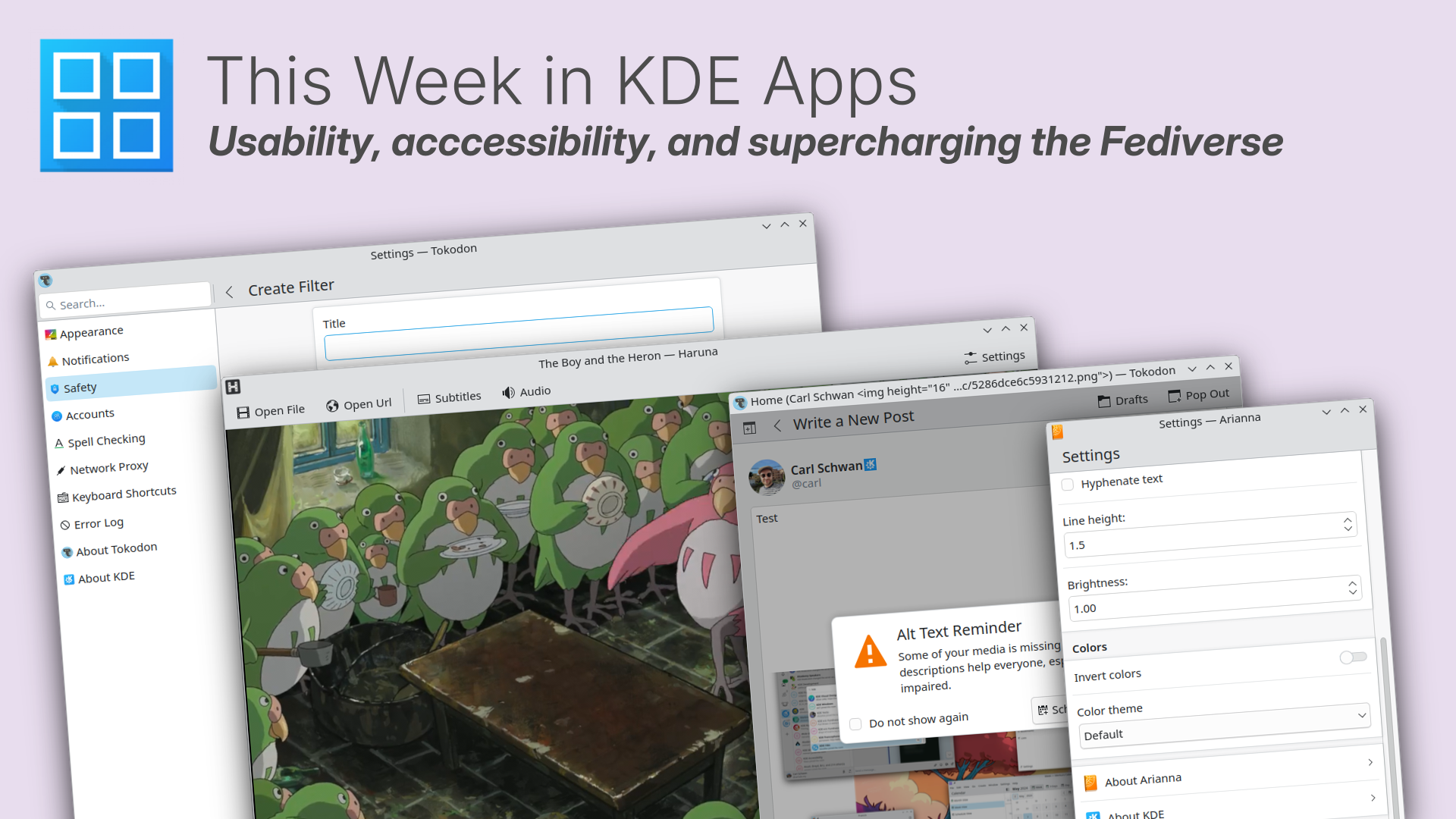
https://blogs.kde.org/2025/01/19/this-week-in-kde-apps-usability-accessibility-and-supercharging-the-fediverse/

@kde@lemmy.kde.social

#ThisWeekInKDEApps #linuxApps #FreeSoftware #OpenSource

403
65
submitted 11 months ago by kde@floss.social to c/kde@lemmy.kde.social

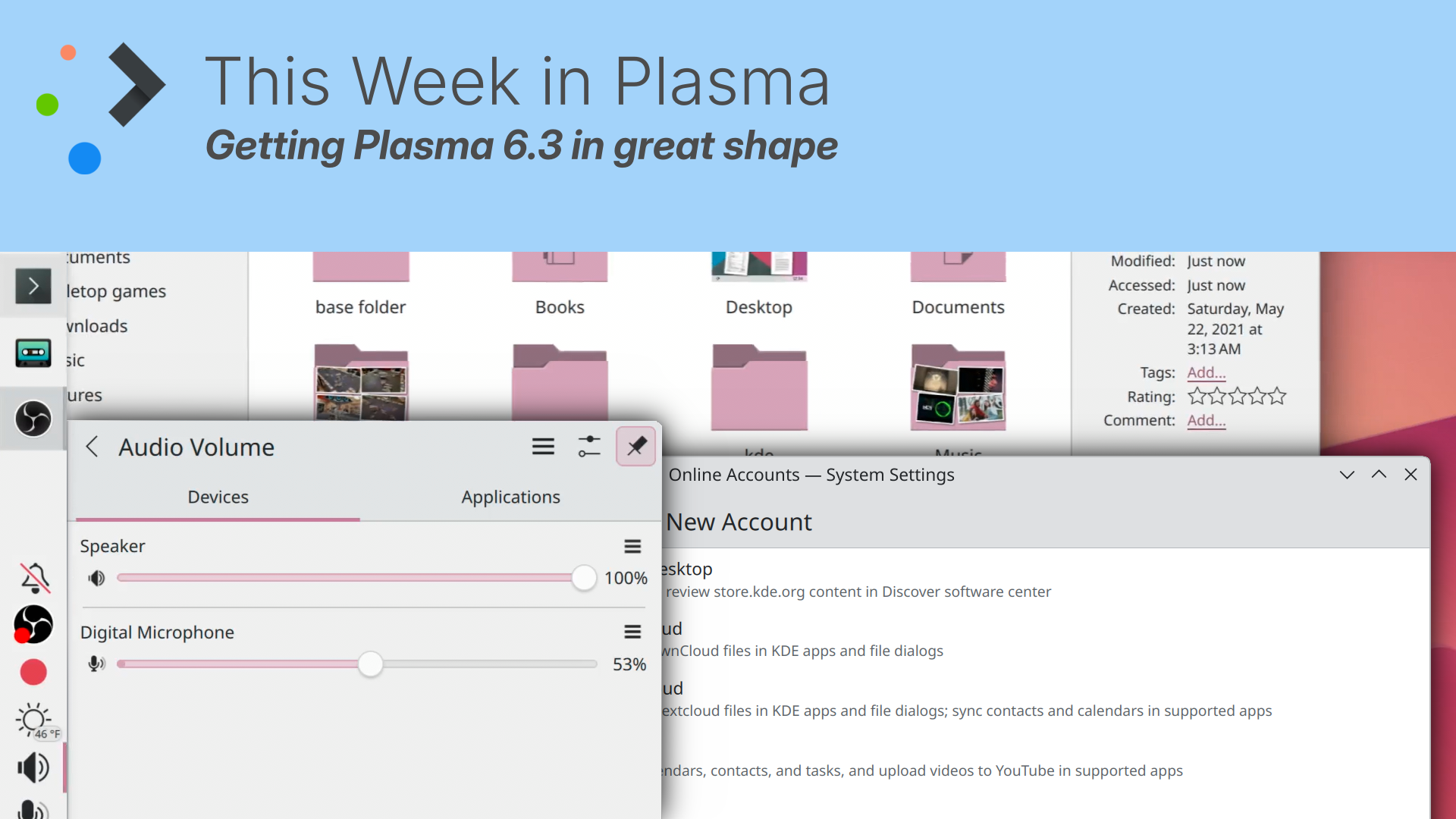
This week in Plasma: Getting #Plasma6.3 into shape, more KRunner searches, better scaling and a whole lot more:

https://blogs.kde.org/2025/01/18/this-week-in-plasma-getting-plasma-6.3-in-great-shape/
@kde@lemmy.kde.social

#desktop #floss #FreeSoftware #OpenSource

404
17
submitted 11 months ago by pretzel6666@c.im to c/kde@lemmy.kde.social

@kde I've been using Global Menu for a while, but since it is less and less supported, I've finally removed the widget.

However, I did not get the local menu back! Now all my KDE apps have no menu at all.

I thought that restarting the session would fix it, but it did not help. Anybody has any hint on how to fix this?

405
55
submitted 11 months ago* (last edited 11 months ago) by kde@floss.social to c/kde@lemmy.kde.social

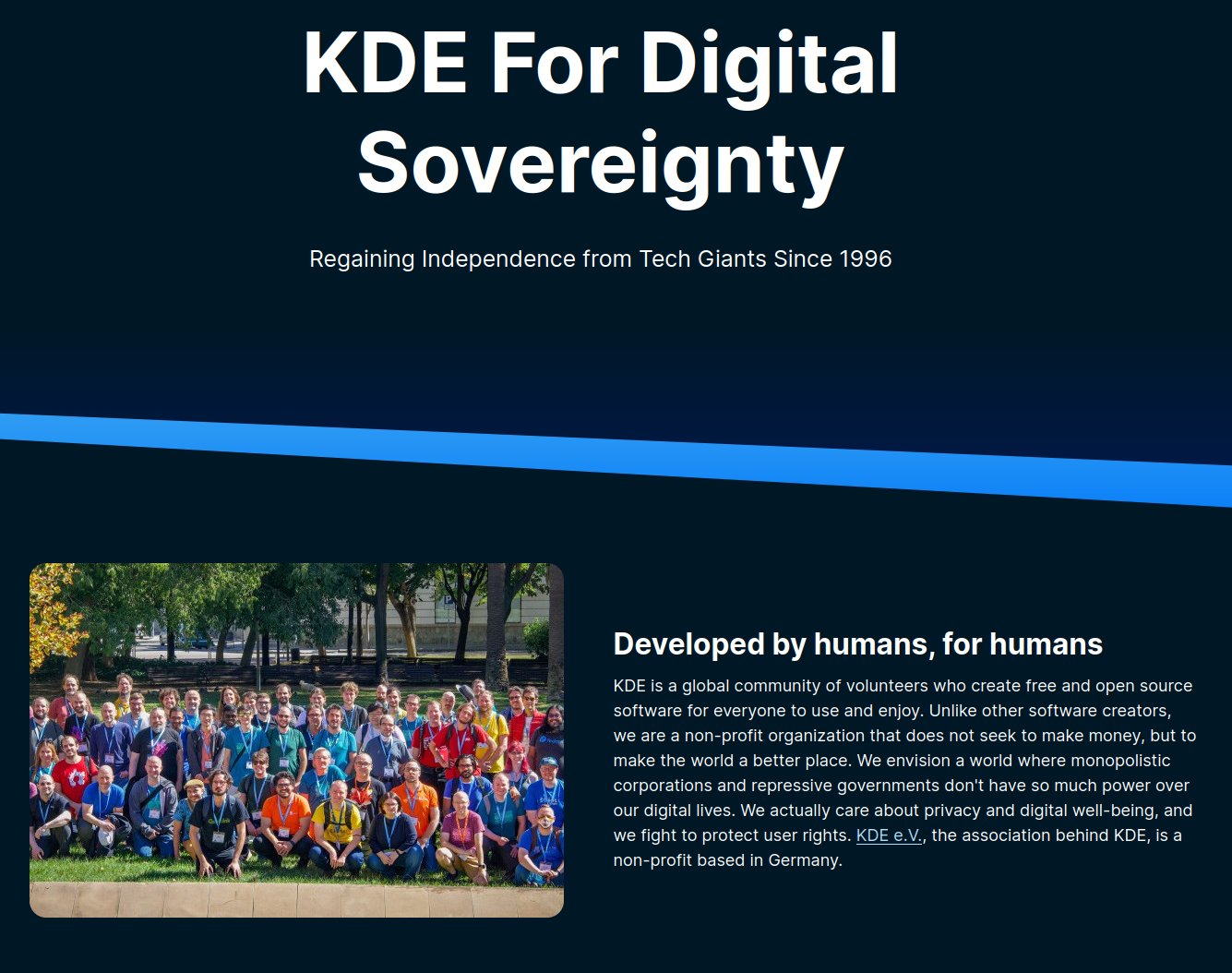
"KDE For Digital Sovereignty" explains how KDE software returns control to institutions, companies and users, and gives you the tools to become the owner of your digital life.

https://kde.org/for/digital-sovereignty/
#sovereignty #FreeSoftware #OpenSource

@kde@lemmy.kde.social

406
3
submitted 11 months ago by johsny@lemmy.world to c/kde@lemmy.kde.social

Hi All,

So suddenly, my digiKam crashes with the following error messages:

Qt: Session management error: Could not open network socket
digikam.general: DK_PLUGIN_PATH env.variable detected. We will use it to load plugin...
digikam.dnnmodelmanager: Cannot find DNN models path
Path override failed for key base::DIR_APP_DICTIONARIES and path '/snap/digikam/95/usr/bin/qtwebengine_dictionaries'
[6440:6440:0116/182606.271718:FATAL:credentials.cc(126)] Check failed: . : Permission denied (13)
Trace/breakpoint trap (core dumped)

I've been looking all over to try and find a solution, but I can only find old stuff. I do not seem to have the file '/snap/digikam/95/usr/bin/qtwebengine_dictionaries" so that is probably the problem, but I don't know how to install it.

This is running digiKam from a snap. Kubuntu 24.04.1 LTS x86_64 Plasma 5.27.11

If anybody can point me in the right direction I would appreciate it. It broke by itself, so I have been waiting a week or so to see if it would mend itself, but that does not seem to be happening.

Thanks!!

407
9
Transparency in Yakuake (discuss.tchncs.de)

I've started using Yakuake as a terminal recently. The only thing that's bothering me is the fact, that the window background doesn't actually get transparent even though I enabled the corresponding setting. I found some older mentions of this, but no solution so far.

I'm using Plasma 6.2.5 and Wayland, anybody got an idea what might be wrong? Anybody got transparency working?

408
15
submitted 11 months ago* (last edited 11 months ago) by KaKi87@jlai.lu to c/kde@lemmy.kde.social

Hi,

Is there any remote desktop app that works on KDE neon 6.2 with Wayland ?

Thanks

409
12
submitted 11 months ago by KaKi87@jlai.lu to c/kde@lemmy.kde.social

Hi,

When pressing Ctrl-Alt-T when Konsole is already open, I would like for the existing window to be unminimized and for a new tab to be created, rather than a new window.

How to do this ?

Thanks

410
17
submitted 11 months ago* (last edited 11 months ago) by JackbyDev@programming.dev to c/kde@lemmy.kde.social

My Keyboard has a chattering problem. On Windows I was able to run a program that would detect this and fix it. I believe I could use the built-in keyboard bounce accessibility feature to solve this, but the lowest setting it will allow me to use is 100 ms. When I type normally I will sometimes push a key that fast (e.g., hitting backspace a lot or in a video game). Is it possible to lower this settings to something like 10 ms? Maybe via the terminal?


Edit:

Potential workaround found. In ~/.config/kaccessrc manually change it to something like 10. Save and reboot. It didn't seem to take hold if I didn't reboot. Even typing this now I am seeing some problems, but I also hear the ding indicating it is working. Change BounceKeysRejectBeep to false to get rid of the ding. A comment on the bug mentioned 40 ms, so maybe that's a good sweetspot.

[Keyboard]
BounceKeys=true
BounceKeysDelay=10
BounceKeysRejectBeep=true
411
37
submitted 11 months ago by FreudianCafe@lemmy.ml to c/kde@lemmy.kde.social

Kash

412
22

Back in 2017, a bug report was created on bugzilla asking for 'Locally Integrated Menus' like the Unity desktop. This was a feature where the menubar of an app was displayed in the titlebar, appearing on hover by default (though you could make it always visible).

Over the next couple years there was some development, but it was mostly in individual window decorations such as "Material Decoration". In 2021, there was a merge request made to finally add LIMs into KDE plasma as an option for titlebars. Unfortunately, due to proximity to the release of plasma 6, reliance on x11, and "a technical disagreement over where it should live" [Guido Iodice, @giodice, 2023 comment under merge request], the merge request has had no changes since August 11, 2021.

Personally, I would love to have this feature as it would save a entire menubar's worth of vertical space on my screen and would allow me to make use of some of the dead space in my titlebars. similar sentiments were expressed throughout the threads under both the bug report and the merge request. many people also talked about giving the option of showing on hover (like unity) or showing always (my preference), and some even suggested making it the default behavior. Do you think this would be a good feature?

413
3
414
14
submitted 11 months ago by Thoven@lemdro.id to c/kde@lemmy.kde.social

Running android 14, oneUI v6.1.1. I go to filesystem expose > add storage location in the connect app, but I can't figure out a way to path to videos. Maybe that's considered a protected system folder and hidden or something? I notably can't manually type a path, so even having that may not help. I need a way to get there via the GUI.

415
11
submitted 11 months ago* (last edited 11 months ago) by xjr_84@lemmy.kde.social to c/kde@lemmy.kde.social

I'm having issues with KDE seemingly doubling my monitors refresh rate in small bursts, which is causing stuttering and smoothness issues.

A bit of background on the setup:

I have a 1080p monitor at 144hz a 1440p monitor also a 144hz external capture card that is a duplicate of of the 1440p monitor also able to accept 144hz.

What I'm seeing is the main monitor (1440p) frame rate with jump between 144 and 288fps refresh rate and i'm not sure how to stop the behavior or even really how best to start troubleshooting it.

Any advice would be awesome

Images / Video of issue here: https://imgur.com/a/T6HzVD6

416
8
submitted 11 months ago by KaKi87@jlai.lu to c/kde@lemmy.kde.social

Hi,

How to add multiple clocks on my KDE neon 6.2 desktop with different timezones ?

Thanks

417
27
submitted 11 months ago by QuazarOmega@lemy.lol to c/kde@lemmy.kde.social

Plasma's restore session functionality has started working for me relatively recently, but there's one thing that bugs me: all my windows are just dumped together into the same activity and workspace I'm in at login, so it becomes a big mess.
Is there a setting somewhere that tells it to respect the last position of the windows?

418
29
submitted 11 months ago by kde@floss.social to c/kde@lemmy.kde.social

In "This week in KDE Apps" we look at the usability improvements landing in Alligator, Dolphin, and Itinerary; new features for KMyMoney, Tokodon and NeoChat; and updated versions of Amarok and Skrooge.
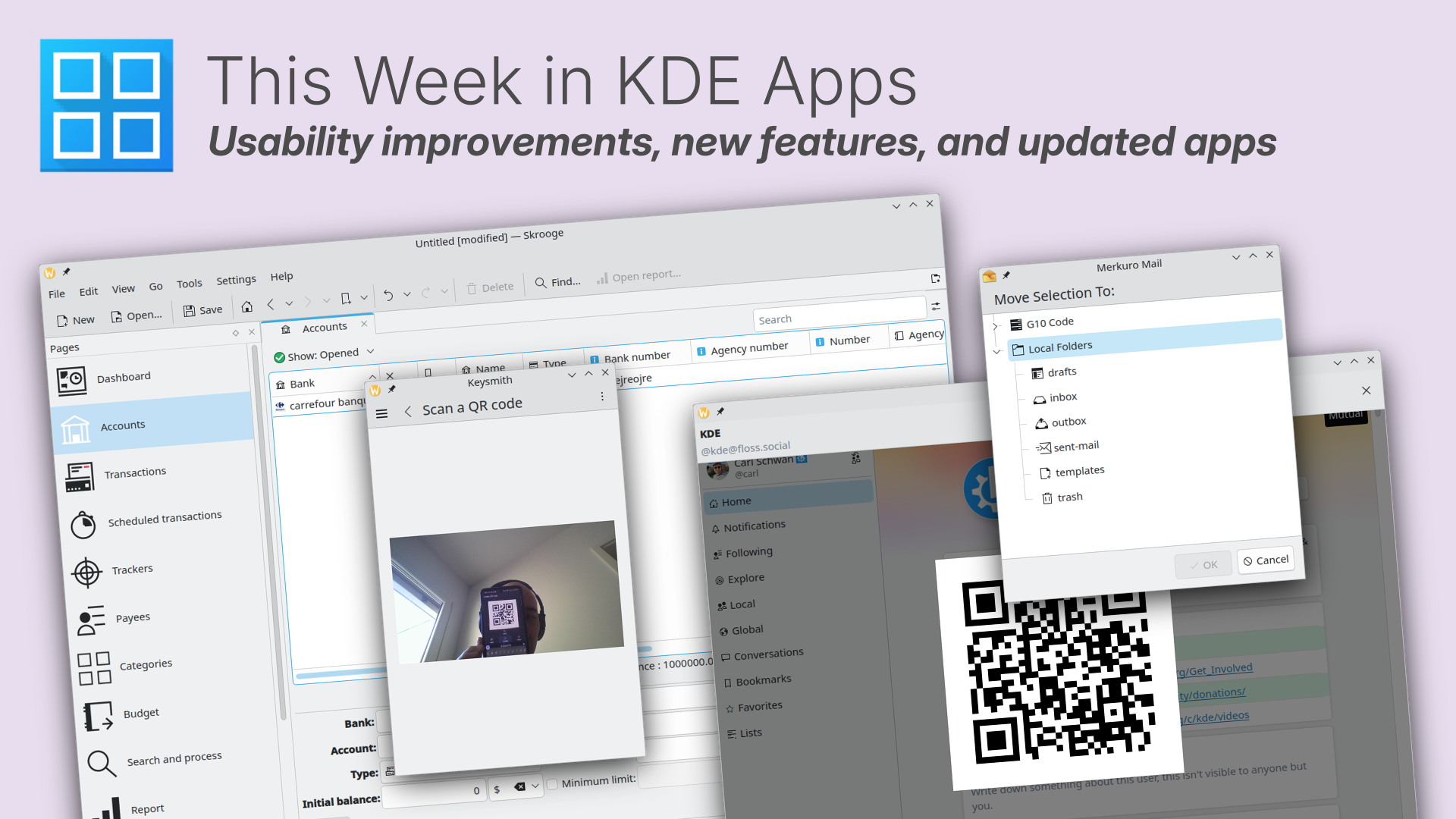
https://blogs.kde.org/2025/01/12/this-week-in-kde-apps-usability-improvements-new-features-and-updated-apps/

#app #FreeSoftware #OpenSource

@kde@lemmy.kde.social

419
87
submitted 11 months ago by kde@floss.social to c/kde@lemmy.kde.social

This week in KDE Plasma: The last sprint towards Plasma 6.3

Improvements in usability, exciting features and mechanisms that ensure stability land in the latest Plasma release before 6.3 hits desktops next month:

https://blogs.kde.org/2025/01/11/this-week-in-plasma-final-plasma-6.3-features/
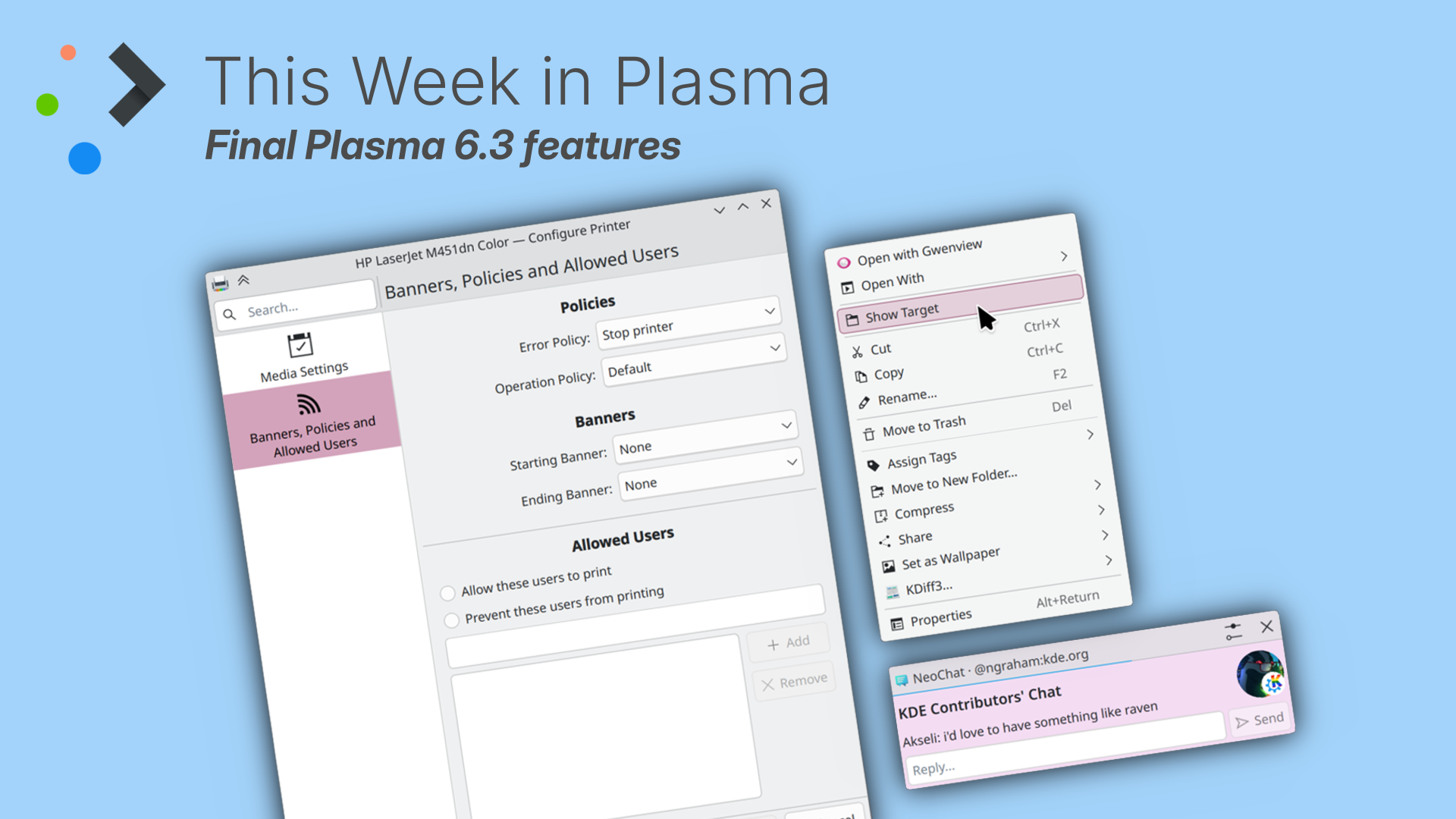
#plasma #Plasma6 #FreeSoftware #OpenSource #desktop

@kde@lemmy.kde.social

420
45
submitted 11 months ago* (last edited 11 months ago) by kde@floss.social to c/kde@lemmy.kde.social

KDE Testers Assemble! Plasma 6.3 Beta is here.

The first big KDE release of 2025 is just around the corner. Plasma 6.3 will be hitting desktops in about a month. Meanwhile, we need testers to try out the beta and submit bug reports so we can work on making it perfect.

https://kde.org/announcements/plasma/6/6.2.90/

#Linux #desktop #beta

@kde@lemmy.kde.social

421
32
422
52
submitted 11 months ago by kde@floss.social to c/kde@lemmy.kde.social

⚠️ATTENTION KPhotoAlbum USERS!⚠️ Update to KPhotoAlbum 6.0.1!

Version 6.0.0 contains a bug that can lead to data loss in the KPA database. Several special circumstances must concur for this to happen, and the photos themselves WILL NOT be affected, only the tags.

However, if you have a lot of tagged photos, this will be a major inconvenience. So either skip 6.0.0 or upgrade immediately.

https://www.kphotoalbum.org//2025/01/06/hotfix-kphotoalbum-6.0.1/

#bug

@kde@lemmy.kde.social

423
21
submitted 11 months ago by KaKi87@jlai.lu to c/kde@lemmy.kde.social

They all look bad for some reason, sometimes even completely unreadable because of the lack of padding between lines of text or dark-on-dark text color.

Thanks

424
15
submitted 11 months ago by ikidd@lemmy.world to c/kde@lemmy.kde.social

In multi-monitor, every time I run my mouse between screens, if I'm too high or low, it catches on the hot corner areas. I could see it being wanted if I were dragging a window so I could use them to snap to, but every other time it's just a pain in the ass, especially since I turn off all the hot corner functions anyway.

425
17
submitted 11 months ago by Thoven@lemdro.id to c/kde@lemmy.kde.social

I'm sorting and renaming old video files, and one of the pieces of information I need is the date the video was filmed. By default dolphin shows the date the file was created/modified/accessed, but not shot. I have verified this information exists on the file with the MediaInfo app, which shows what I need under the encoded and tagged dates. Is there a way to have dolphin also show that information for video files? Bonus points if it can convert the default timezone of the stamps (UTC) to local.

And yes, I am aware that I could create a custom script for the context menu that would find me that info. I may do that if needed. But I wanted to see if doing it this way works first.

view more: ‹ prev next ›

KDE

7399 readers
3 users here now

KDE is an international technology team creating user-friendly free and open source software for desktop and portable computing. KDE’s software runs on GNU/Linux, BSD and other operating systems, including Windows.

Plasma 6 Bugs

If you encounter a bug, proceed to https://bugs.kde.org/, check whether it has been reported.

If it hasn't, report it yourself.

PLEASE THINK CAREFULLY BEFORE POSTING HERE.

Developers do not look for reports on social media, so they will not see it and all it does is clutter up the feed.

founded 2 years ago
MODERATORS