53

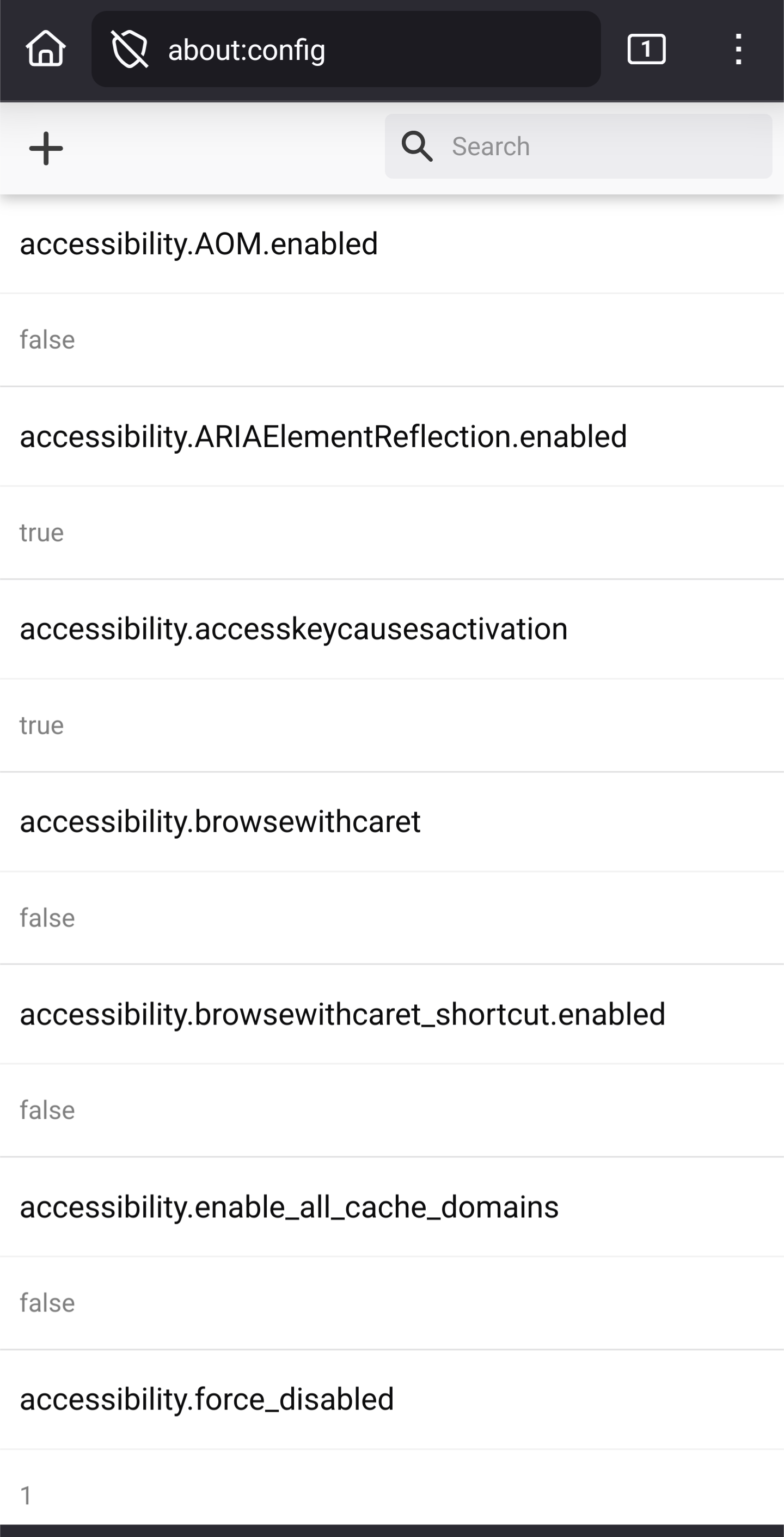
I woke up one day and Fennec wouldn't browse any web page. Like, if I do a search, which goes to DuckDuckGo, I get a loading bar that never goes anywhere. (See screenshot).

If I disable all of my extensions, it'll work again. Then, if I enable them one by one to try to find the culprit that was making Fennec not work, it doesn't break! Until it does, randomly. I basically can't easily reproduce it working or not working.

I switched to IronFox, and installed all the same extensions, and have had no problems for two days.

Extensions:

  • JShelter
  • UBlock Origin
  • Decentraleyes
  • Cookie AutoDelete
  • Absolute Enable Right Click & Copy
top 19 comments
sorted by: hot top controversial new old
[-] thuhtoosan@programming.dev 14 points 3 months ago* (last edited 3 months ago)

Yes, it is unusable in the latest version.

You can use Install with Options to downgrade to the previous version without losing any data.

[-] tal@lemmy.today 4 points 3 months ago* (last edited 3 months ago)

https://gitlab.com/relan/fennecbuild/-/issues/134

According to this, Firefox Fennec is affected, but Mozilla's official Android Firefox build is not, if someone needs the latest version for some requirement.

[-] SpicyTaint@lemmy.world 11 points 3 months ago* (last edited 3 months ago)

Yup, been that way for like a week now. You can open Fennic, go back to the home screen, and then back to Fennic and it'll usually work. Quicker than disabling extensions for me at least.

A BR has been opened on Fennic's repo since the newest update was published, but they're not super responsive from what I've seen.

[-] Quacksalber@sh.itjust.works 4 points 3 months ago

I had this happen a few times. Usually it works after a few minutes. Stopping and restarting the app didn't help in my case. Here is hoping the next version will work properly again.

[-] Quibblekrust@thelemmy.club 1 points 3 months ago* (last edited 3 months ago)

Yeah, force-closing it didn't help at all. Other people in the thread are saying it's a known issue.

Then again, I'm not sure why I prefer it over at IronFox. I forget what the real differences were when I last looked at them. IronFox is offered in the FFUpdater app, but not from F-droid, and Fennec is the opposite.

[-] Quacksalber@sh.itjust.works 1 points 3 months ago

What works for me consistently is to open a website in Firefox, which I have installed as well. After that, Fennec works again.

[-] Quacksalber@sh.itjust.works 1 points 3 months ago

Fennec allows you to open about:config on Android. That's why I use it.

[-] viral.vegabond@piefed.social 2 points 3 months ago

Ironfox has been doing the same thing for me recently. For now it seems to be working fine again, but the freezing/not loading has been very sporadic to say the least. Hope it gets figured out and fixed soon.

[-] Tollana1234567@lemmy.today 3 points 3 months ago

ive been using ironfox , and i havnt seen those issues yet, must not be common.

[-] ctry21@sh.itjust.works 1 points 3 months ago

Same, these issues happening in fennec are what got me to move over to ironfox at long last which has been working perfectly

[-] tpyoman@lemmy.world 2 points 3 months ago

I use both and fennec has been the sole culprit for me, ironfox doesn't seem to break like this or a reload would fix the issue, fennec makes me recreate the tab but currently even that isn't working, assumedly because of extensions mentions by commenters above.

[-] eleitl@lemmy.zip 1 points 3 months ago

It was immediately crashing after start for a day for me on GrapheneOS. Fixed it really qickly.

[-] pglpm@lemmy.ca 2 points 3 months ago* (last edited 3 months ago)

As @tal@lemmy.today reports, it's a known bug. If you disable UBlock and possibly Decentraleyes, then navigate to a page, then re-enable them, navigation should then work normally, at least for a while.

[-] boredsquirrel@slrpnk.net 2 points 3 months ago

Use Ironfox...

[-] Lyubo@lemmy.ml 1 points 3 months ago* (last edited 3 months ago)

For me too. The fix I found was to turn off Wi-Fi and (sometimes) cellular, wait for "Address Not Found" or "The connection has timed out", turn on Wi-Fi/ cellular again and reload the page.

[-] meekah@lemmy.world 1 points 3 months ago

What worked for me most of the time was closing the tab, opening a new one and searching the same thing. Not sure whether I close the app in between as well.

[-] glocester@masto.es 0 points 3 months ago
[-] Quibblekrust@thelemmy.club 1 points 3 months ago

Do you not see the post text from Mastodon?

this post was submitted on 31 Aug 2025
53 points (100.0% liked)

Firefox

6315 readers
320 users here now

A community for discussion about Mozilla Firefox.

founded 2 years ago
MODERATORS