451
24
submitted 1 year ago* (last edited 1 year ago) by kde@floss.social to c/kde@lemmy.kde.social

KDE Gear ⚙️ 24.12 is out! Check out what's coming in the new versions of Dolphin, Kdenlive, Kate, Okular, NeoChat, and much, much more.

https://kde.org/announcements/gear/24.12.0/

Help support KDE's work! You can still adopt an app at our fundraiser:

https://kde.org/fundraisers/yearend2024/#adopt

@kde@lemmy.kde.social

#apps #FreeSoftware #donate

452
23
submitted 1 year ago* (last edited 1 year ago) by kde@floss.social to c/kde@lemmy.kde.social

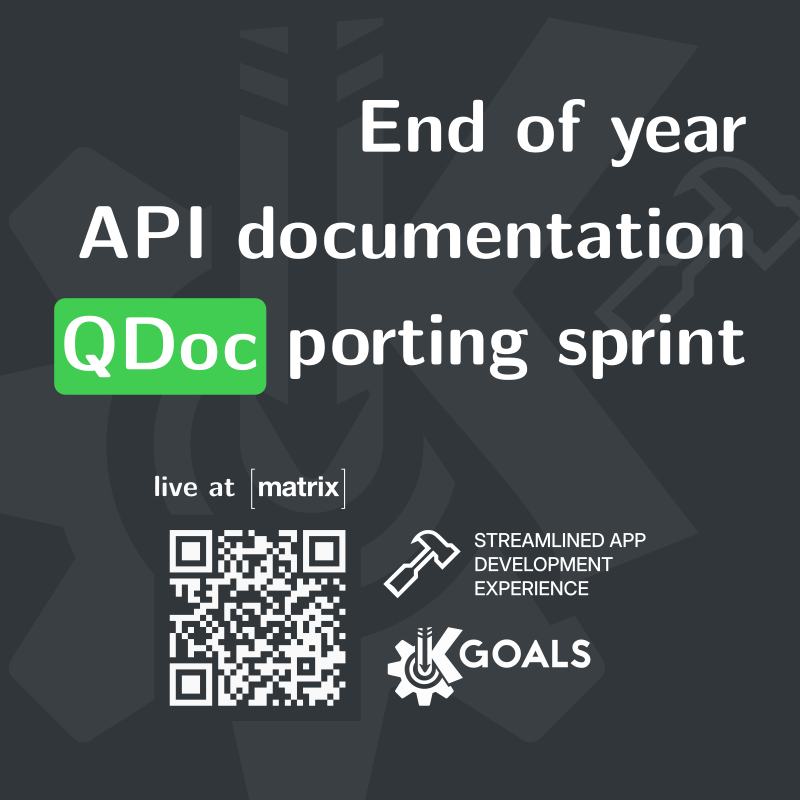
Join the KDE End of Year documentation porting sprint 📃! There are currently 58 open tasks up for grabs!

https://discuss.kde.org/t/end-of-year-documentation-sprint/26686

@kde@lemmy.kde.social

453
25

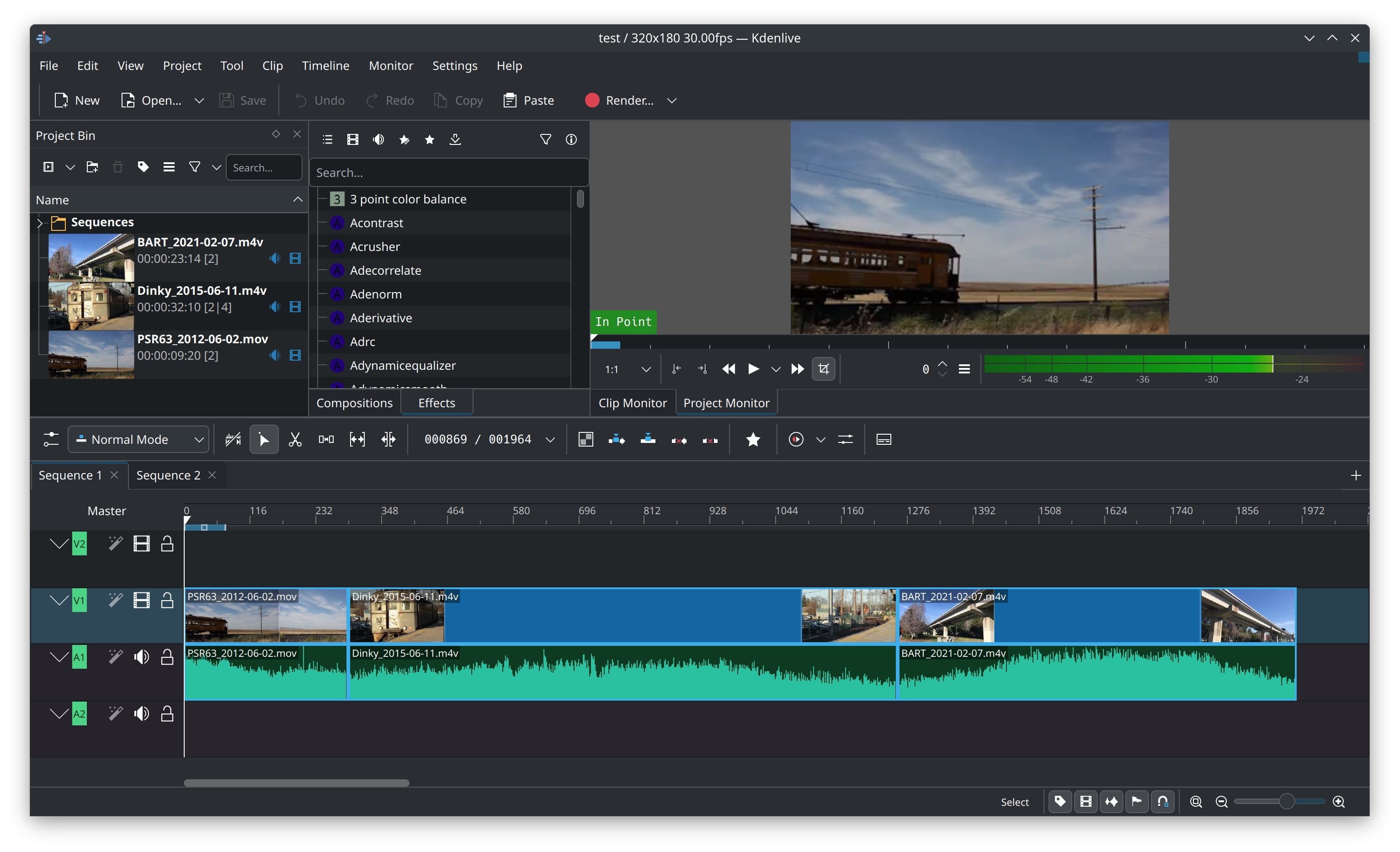
Progress of the OTIO C++ export is coming along nicely. A single #Kdenlive timeline with multiple tracks and clips exported as .otio can now be opened in Resolve.

@kde

#videoediting #resolve #otio #opentimeline

454
21
455
44
456
70

KDE has a massive collection of app, and I combed through them to find some of the lesser-known hidden gems that people may not be aware of. Here is a list of my favorites.

  • Kirogi: A ground control software. It only supports a few drones right now, but should get MAVLink support in the future.
  • KStars: An astronomy software that lets you view the positions of planets and stars, as well as a whole lot of other features related to astronomy.
  • Licentia: A license comparison app. It lets you view and compare free software licenses. It has the full license text as well as a simplified list of features of it.
  • KDE Itinerary: An app for travel planning. Well designed, with detailed station views courtesy of Openstreetmap.
  • KTrip: Similar to Itinerary, a public transport navigation app
  • Alpaka: An Ollama client for running LLMs
457
8

When my PC wake up from sleep, all the windows are in the main display (I have 2) and in the top half. Is there a way to save the windows position every x minutes so that when it wakes up I can restore it?

458
22
submitted 1 year ago by kde@floss.social to c/kde@lemmy.kde.social

"HOWTO help a KDE Goal" part 1: "We care about your Input"

"We care about your Input" plans to increase the number of supported input devices for Plasma and KDE apps. The aim is to offer the possibility to use assistive devices, gaming controllers of all kinds, and devices for specialised tasks.

You can help by funding developers with their research,

https://kde.org/fundraisers/yearend2024/

and by joining the team, giving feedback, and assisting with the development.

https://go.kde.org/matrix/#/#kde-input:kde.org

@kde@lemmy.kde.social

459
7
submitted 1 year ago* (last edited 1 year ago) by Suoko@feddit.it to c/kde@lemmy.kde.social

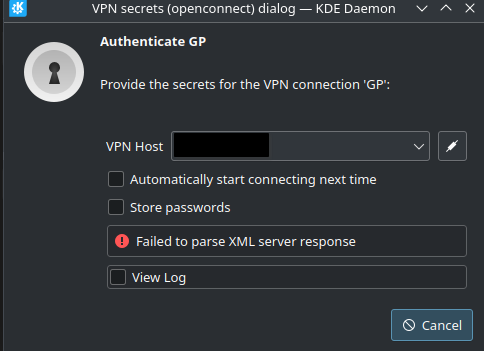
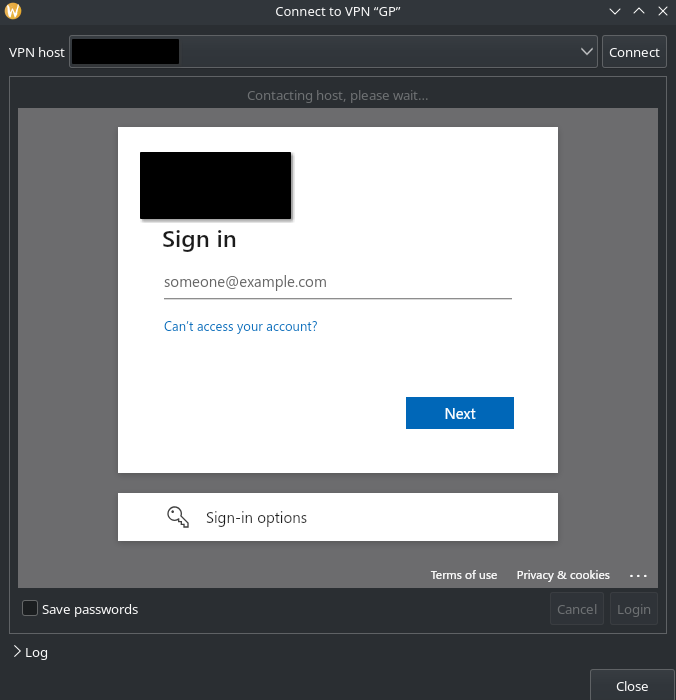
I have a company vpn with globalprotect that needs to autenticate via web interface (saml) All fin when using GNOME and network manager global protect plugin. When on kde no embedded web view pops up in network manager, it takes some time and then fails with an xml error.

Ubuntu 24.04

460
8
461
14
submitted 1 year ago* (last edited 1 year ago) by peregus@lemmy.world to c/kde@lemmy.kde.social

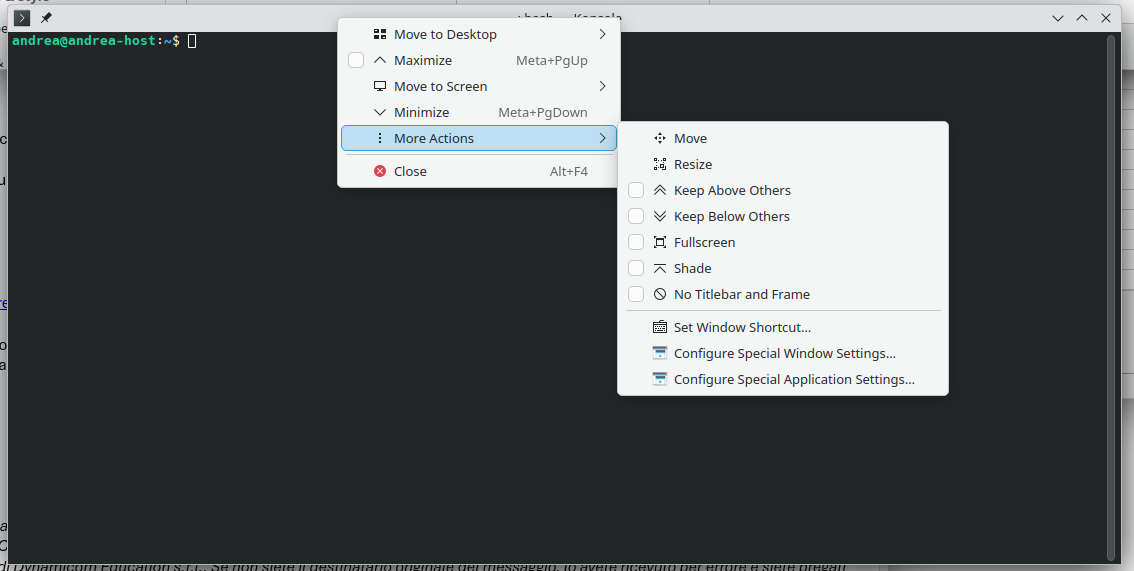
I want to add a shortcut to create new tab in Konsole, but I want it to be local and not global (CTRL+T is already used by another application). I've searched and it seems that I need to go to Settings → Configure Keyboard Shortcuts, but I don't have the settings anywhere. I read that I should have a menu bar, but...I don't. What's going on with my Konsole??? Thanks!

462
95
submitted 1 year ago by qaz@lemmy.world to c/kde@lemmy.kde.social
463
71
submitted 1 year ago by kde@floss.social to c/kde@lemmy.kde.social

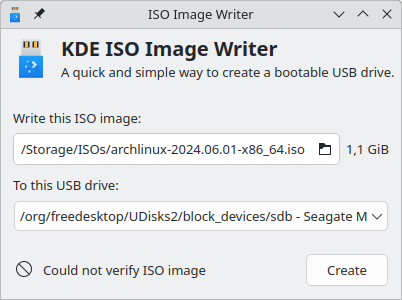
ISO Image Writer, Partition Manager, SkanPage and System Monitor added to the list of adoptable apps.

If using the command line to burn disk images makes you nervous, ISO Image Writer is your friend!

Likewise, creating and modifying partitions can be scary, so why not use KDE's friendly Partition Manager?

https://kde.org/fundraisers/yearend2024/

[Continued >]

@kde@lemmy.kde.social

#SupportGoodPeople #fundraiser #donations

464
7
submitted 1 year ago* (last edited 1 year ago) by voracread@lemmy.world to c/kde@lemmy.kde.social

I have come across this interesting system settings module on Pling store. Is there a way to install it from within system settings like we can a theme, icons, widgets etc.? Or is it necessary to configure the package manager as suggested on the site?

https://www.pling.com/p/2229130

I have downloaded the tar.gz file hoping for a direct way to install it.

465
6

Hi everybody!
I've just installed Kubuntu and I'm using Linux gui for the first time.
I have 2 4K screens, one horizontal and one vertical. With Windows I divide the horizontal one in 4 equal parts and the vertical in 3 parts so that all are almost 16:9 and each have it's own taskbar that's so useful to me because I know what I've opened in every virtual screen and if in virtual screen there is Outlook, but I need to take in foreground Chrome that I know it's there (but it's also in other screens), I can click on Chrome on the virtual screen 1 taskbar. If there are no multiple taskbar, I would have to click on Chrome on the main taskbar and select which window I need (which can be problematic because not always it's possible to see what's going on in the small preview).

Is this or something similar possible with KDE plasma (I'm on 6.1.5).

Thanks!

466
35
467
34
submitted 1 year ago* (last edited 1 year ago) by kde@floss.social to c/kde@lemmy.kde.social

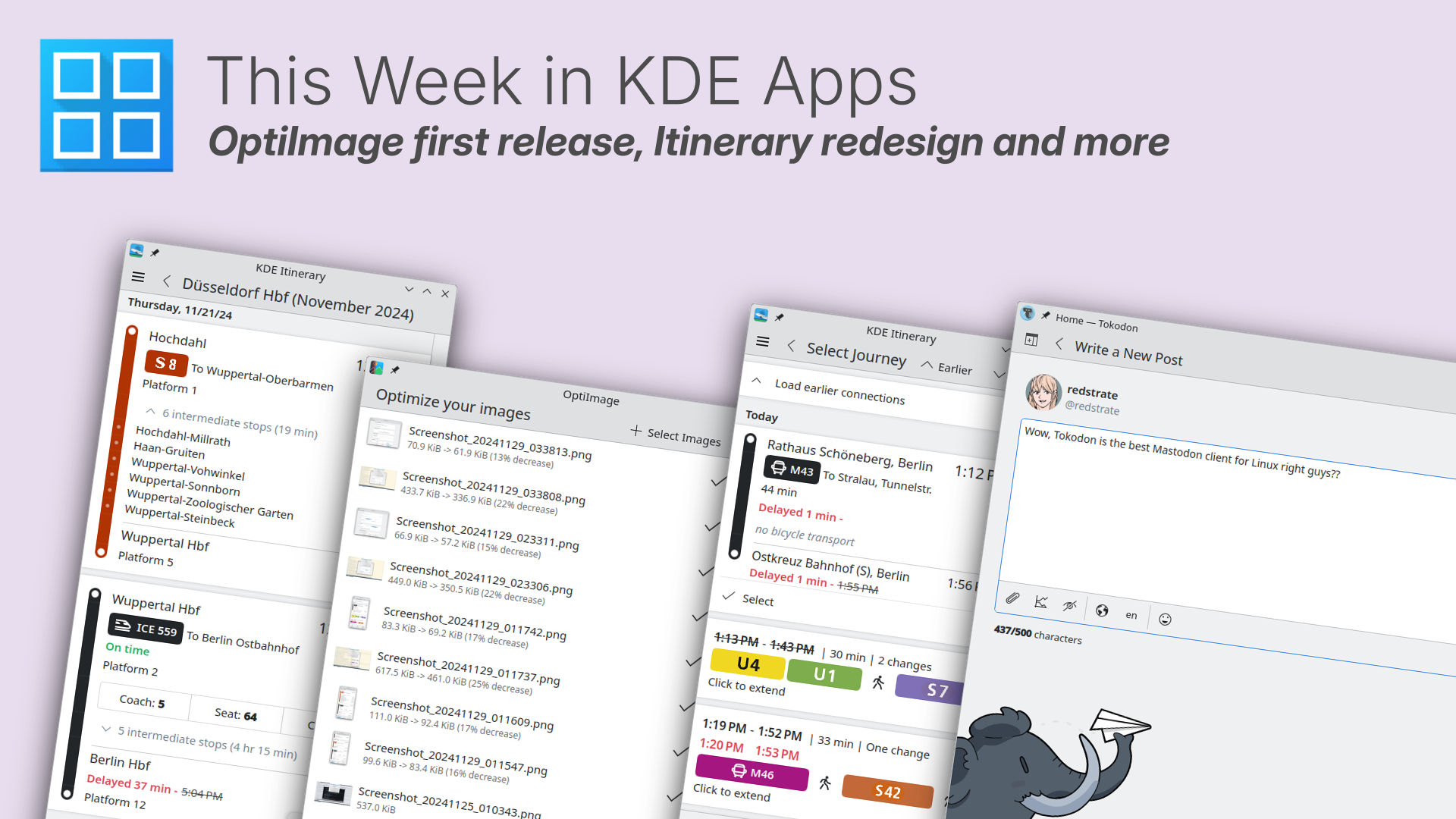
In "This Week in KDE Apps": Optilmage's first release; Itinerary's re-design; how Karp, KDE's new PDF designer, has improved its performance; the upcoming KDE Gear ⚙️ 24.12 release; and more.

https://blogs.kde.org/2024/12/01/this-week-in-kde-apps-optiimage-first-release-itinerary-redesign-and-more/

You too can contribute to keeping KDE's apps going by adopting at our fundraiser:

https://kde.org/fundraisers/yearend2024/

@kde@lemmy.kde.social

468
148

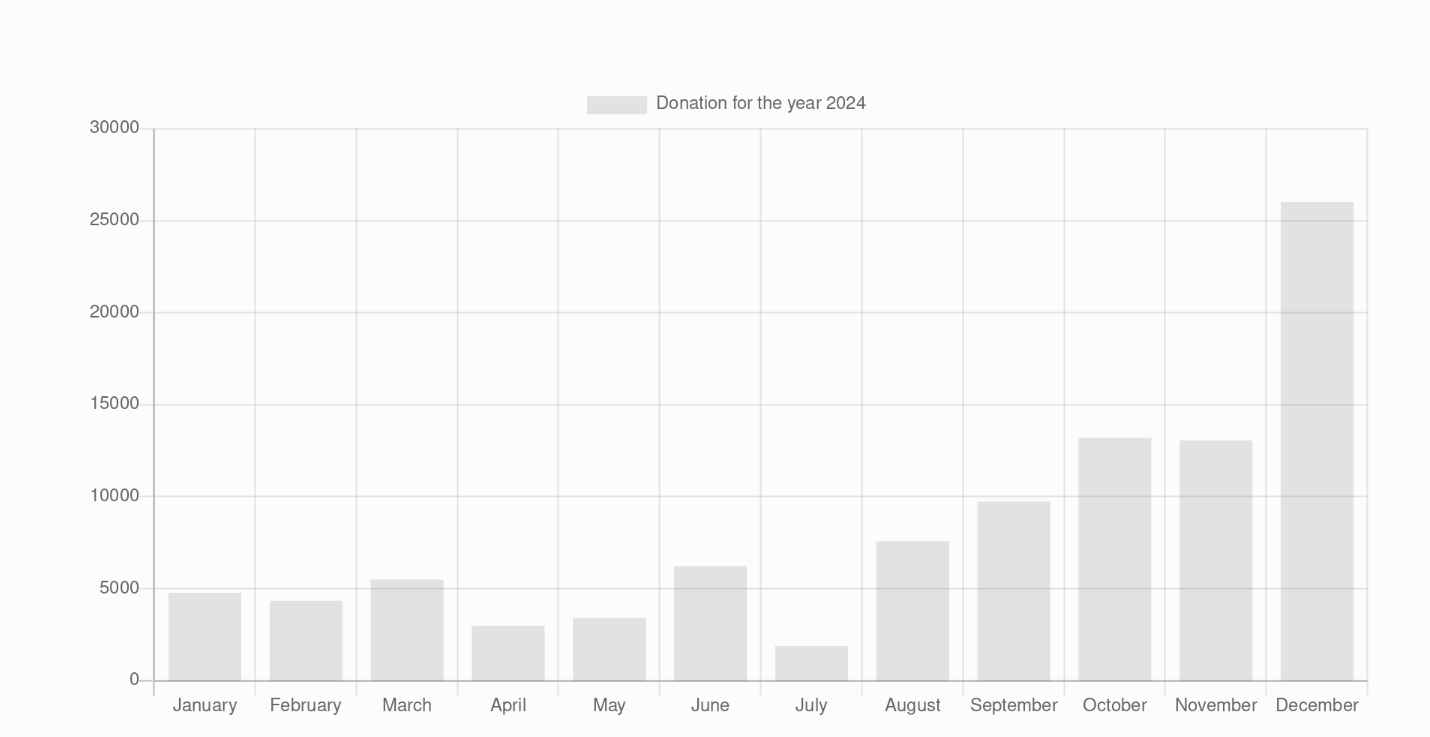
Incredible, the last two months absolutely crushed on the first day of December and all it took was a single desktop notification. This is just the paypal donations as well. You can take a look at the data for yourself here.

469
22
470
23
Katie when Chrimuh (lemmy.kde.social)

FULL RES IMAGE AT https://archive.org/details/katie-christmas

I dont even celebrate Christmas

[Also feedback on the drawing would be much appreciated, still trying to draw stuff]

471
128
submitted 1 year ago by kde@floss.social to c/kde@lemmy.kde.social

€30K reached🎉! Thank you generous donors!

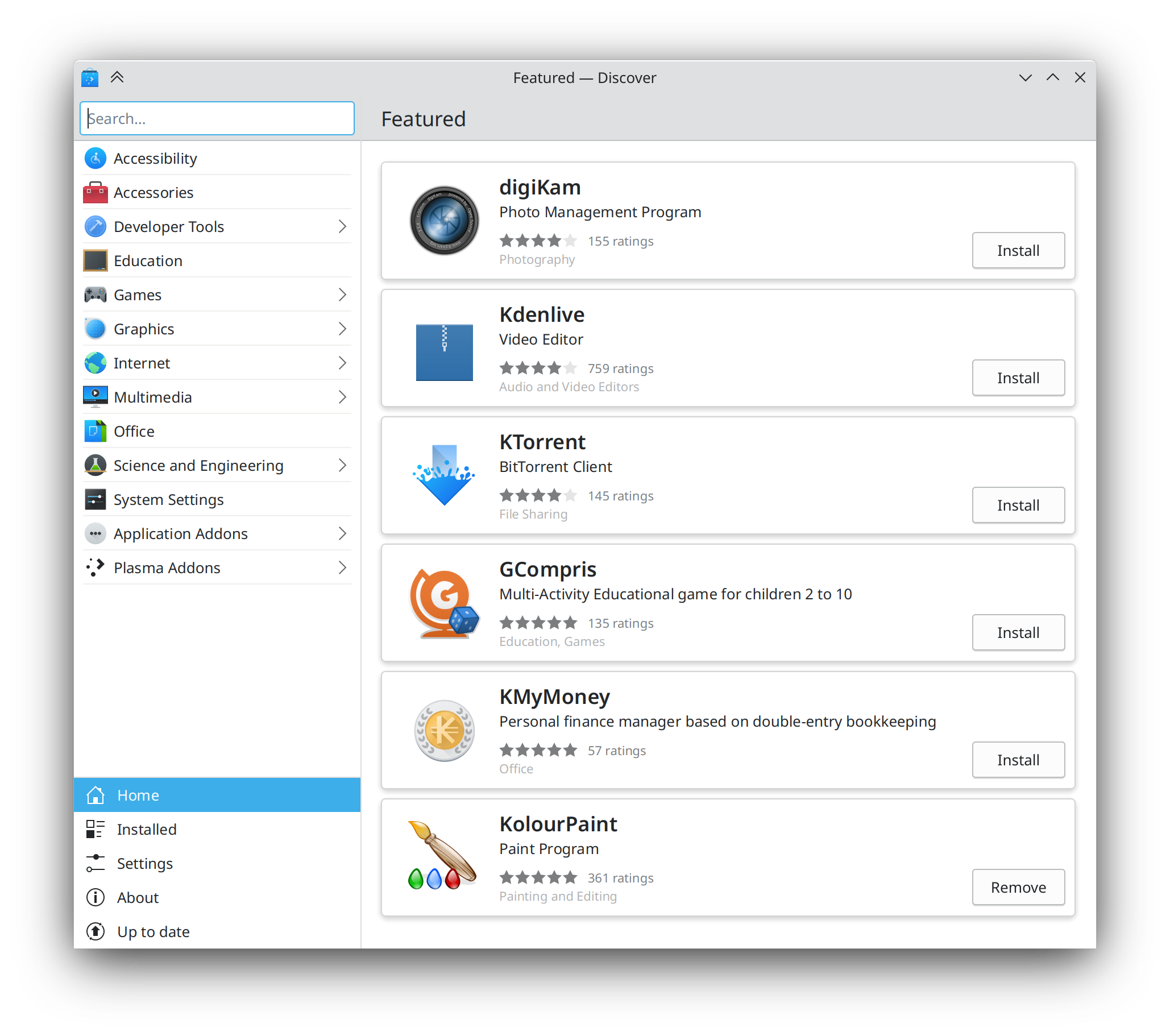
We are now on our way towards our 1st reach goal. To celebrate, we have added 4 more apps to our list of adoptable apps.

Discover helps you install, remove and update your software; KolourPaint is an easy to use design program; with KRFB, you can share your desktop over a network; and #GCompris is the wildly popular educational suite with tons of fun activities for kids.

https://kde.org/fundraisers/yearend2024/

#SupportGoodPeople #fundraiser #donations #apps

@kde@lemmy.kde.social

472
62
submitted 1 year ago by kde@floss.social to c/kde@lemmy.kde.social

We are at 99% of our first fundraising goal! Will your donation push us over the finishing line? And will you do it today?!??!

https://kde.org/fundraisers/yearend2024/

#SupportGoodPeople #fundraiser #donations

@kde@lemmy.kde.social

473
67
submitted 1 year ago by kde@floss.social to c/kde@lemmy.kde.social

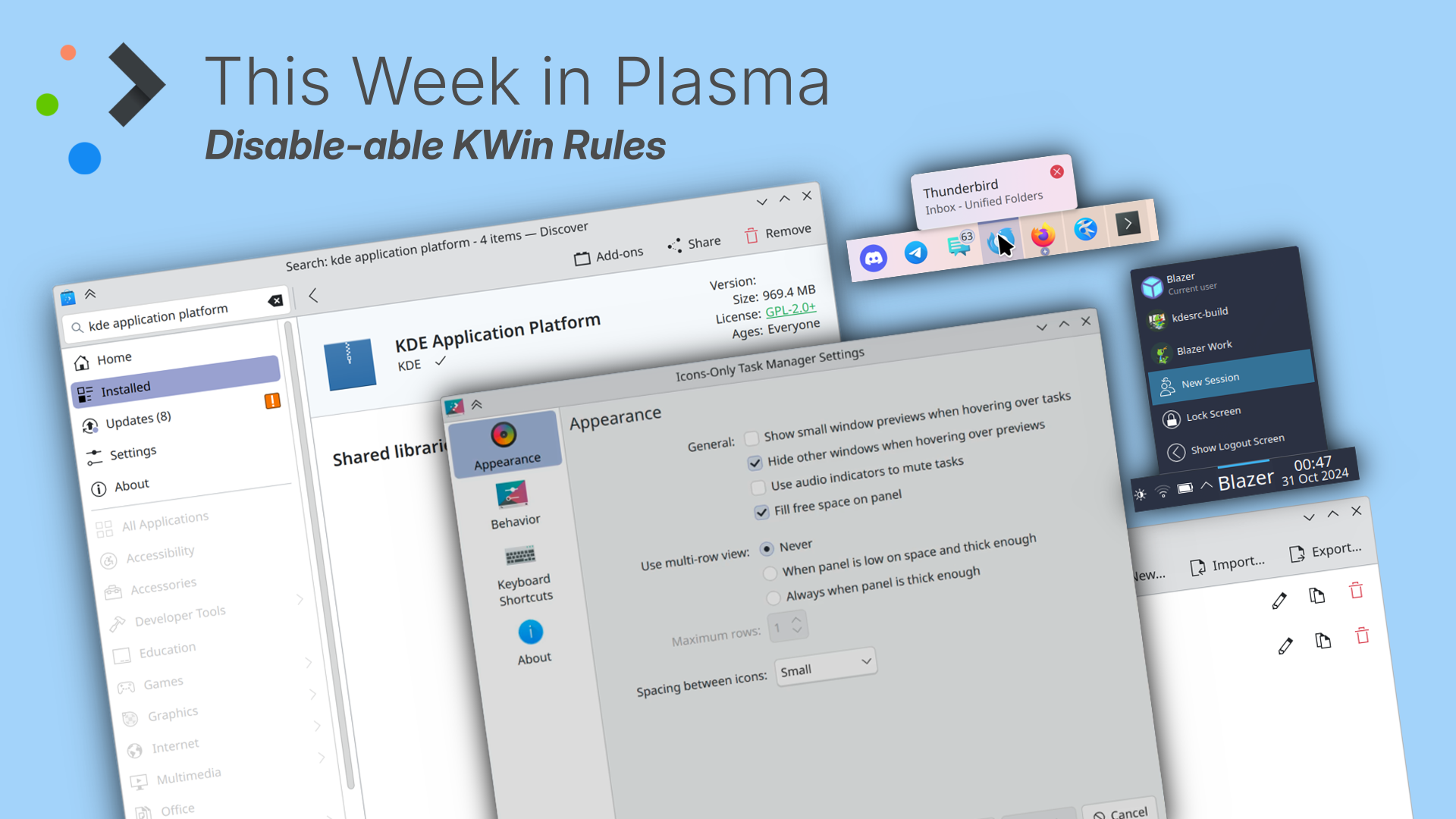
This Week in Plasma brings disableable KWin rules, less confusing flatpak info in Discover, a more comprehensible icon for wireless headphones, and a flurry of other UI improvements and nice new features.

https://blogs.kde.org/2024/11/30/this-week-in-plasma-disable-able-kwin-rules/

@kde@lemmy.kde.social

474
22
475
6
submitted 1 year ago* (last edited 1 year ago) by f4f4f4f4f4f4f4f4@sopuli.xyz to c/kde@lemmy.kde.social

[SOLVED] Vizio TV owners: You may need to manually turn on "Full HD Color" to get 4K@60Hz resolutions available! Oddly, this wasn't necessary for X11-based distros tested, but was required for Wayland-based distros tested...

Menu > Input Settings > HDMI-1 > Full UHD Color. It defaults to Off for some reason. 🤦‍♂️

When I was on Debian Bookworm and X11, I could only get 4K video at 30Hz from my GTX 980 Ti. I eventually upgraded from the HDMI cable that came with the 4K Vizio TV to a good brand HDMI 2.1 cable, then both 3840x2160@59.94Hz and 4096x2160@59.94Hz were available and working. (I think 3840 is the TV's native, there were more artifacts on text at 4096.)

I had some issues with Wine games on Debian that I couldn't figure out, and wanted to try some newer/different software, so I went distro-hopping. On both Nobara and currently EndeavourOS, both with KDE and Wayland, I'm back to only having 4K@30Hz available.

Edit: One strange detail I just remembered: Normally, the TV identifies itself as Vizio 55", but when I set 4K@59.94 in Debian, it identified as Vizio 11". Some kind of EDID workaround? I didn't have to do anything special, just install nvidia-driver and replace the cable.

I've only been able to find people with the opposite problem, where they can get 4K on Wayland but not on X11.

Any advice is welcome. Thanks!
view more: ‹ prev next ›

KDE

7399 readers
2 users here now

KDE is an international technology team creating user-friendly free and open source software for desktop and portable computing. KDE’s software runs on GNU/Linux, BSD and other operating systems, including Windows.

Plasma 6 Bugs

If you encounter a bug, proceed to https://bugs.kde.org/, check whether it has been reported.

If it hasn't, report it yourself.

PLEASE THINK CAREFULLY BEFORE POSTING HERE.

Developers do not look for reports on social media, so they will not see it and all it does is clutter up the feed.

founded 2 years ago
MODERATORS