I read every single day. At home it's on my Kobo running KOReader (yes, I'm that open-source guy), and I love it. The problem: I don't always have the e-reader on me. On the train, at work, waiting somewhere — I just have my phone.
I tried Kobo's own Android app to bridge the gap and... I really didn't like it. Promos everywhere, adding your own books is a pain, the reader itself feels clunky, and the Wi-Fi handling is annoying.
So I built my own thing: Varbook, a small self-hosted EPUB library.
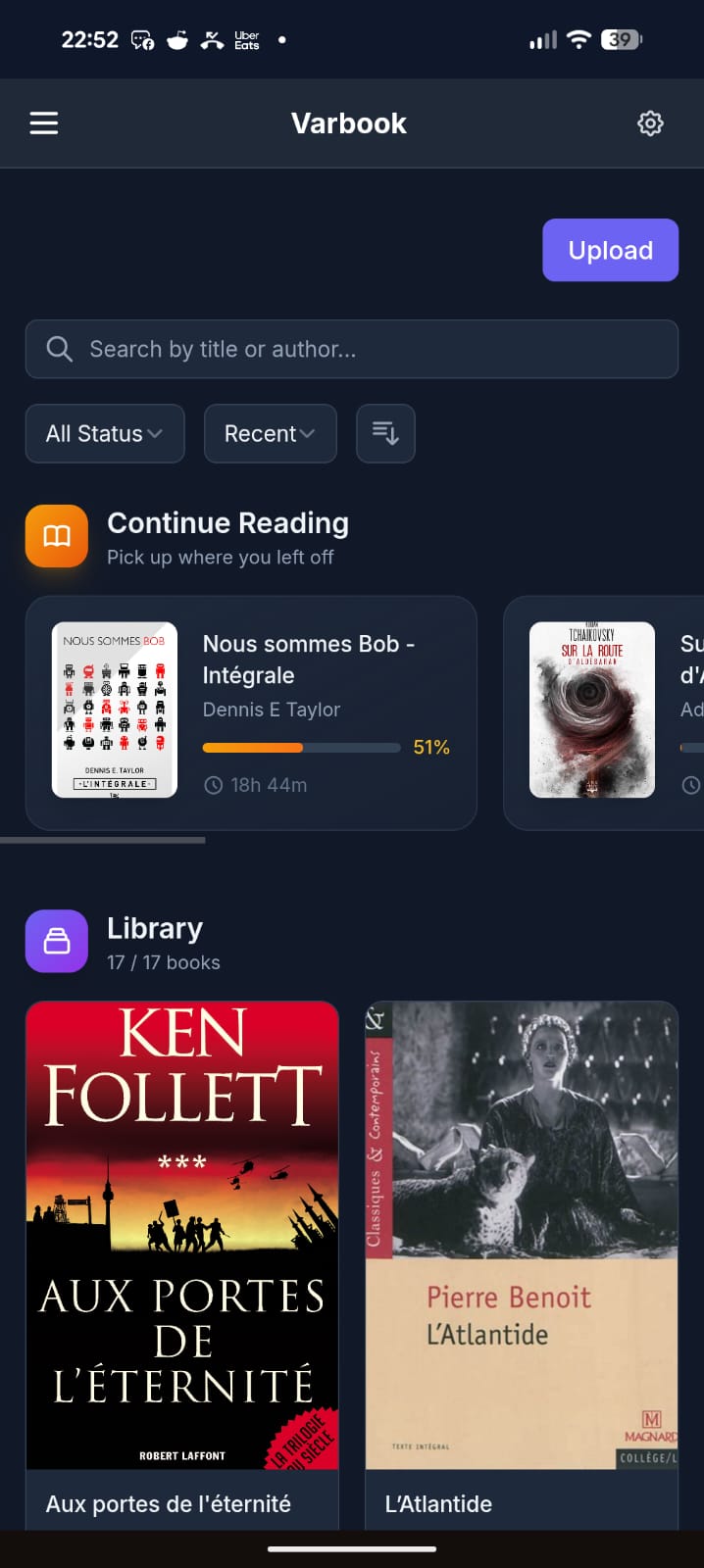
You drop EPUBs into it in one click. From there:
- They're readable on your phone through a simple but well-made PWA. Books are cached locally, so you can read offline; when you're back online your reading position syncs to the server.
- The server exposes everything over OPDS, so any compatible app works (KOReader, Moon+ Reader, etc.).
- I also wrote a KOReader plugin that pushes/pulls your reading position to the server in a single gesture.
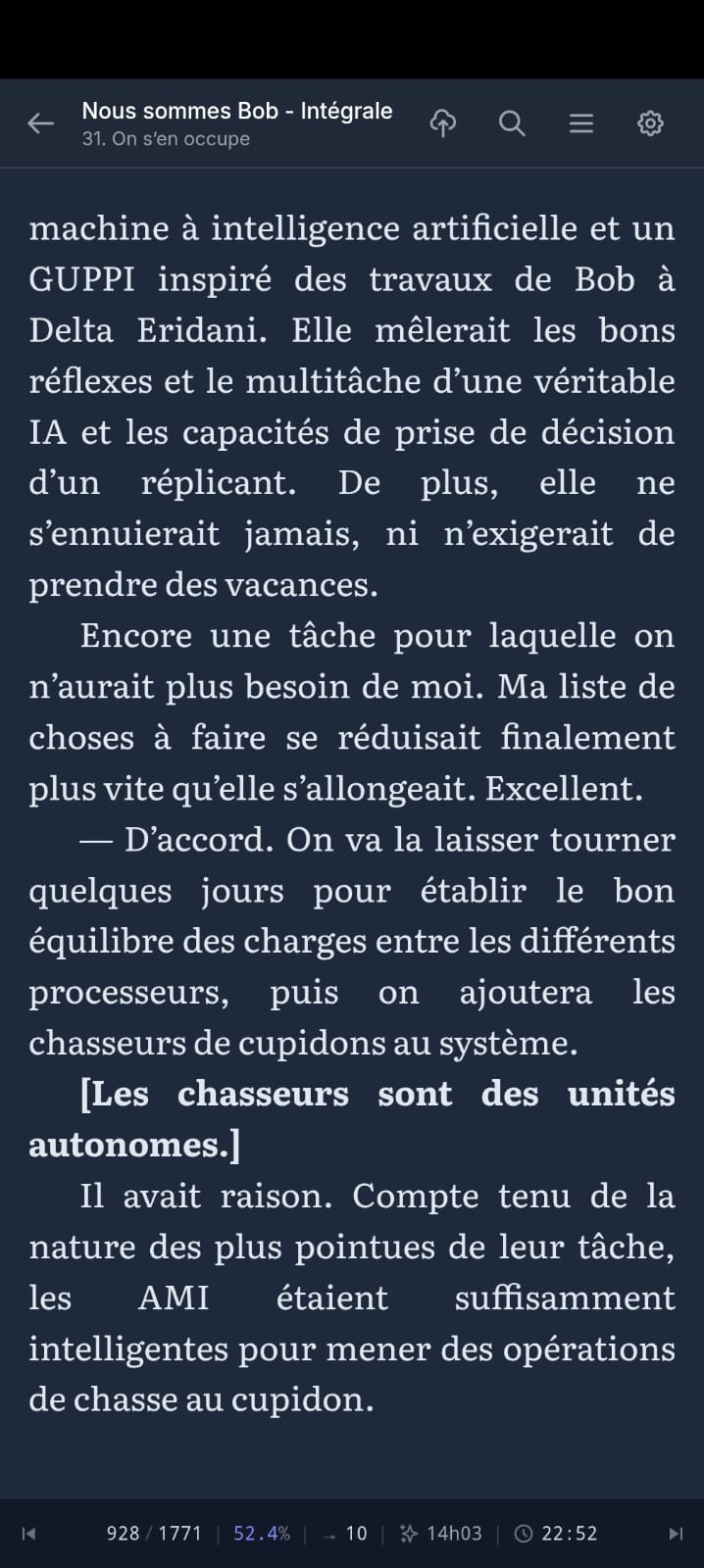
My actual daily workflow:
- Evening, at home: I wake up my Kobo in KOReader, tap the top-right corner → Wi-Fi turns on, my current book jumps to the right position, Wi-Fi turns back off to save battery.
- I read.
- Done reading: tap the top-right corner again → Wi-Fi on, my reading time + position sync to the server.
- Next day, at work: I open the PWA on my phone. It drops me exactly where I left off, and syncs my position on every page turn.
- Evening: back to the Kobo, which picks up my position from the phone.
All of this with fully open-source software, no commercial service in the loop, my books staying on my own server.
The trickiest part was cross-device position sync — every reader engine (epub.js in the browser, KOReader's CREngine, Moon+) tracks position differently. Varbook uses a "pivot" format based on EPUB spine items (chapter index + percentage) so your position survives the jump from one device to another without throwing you 30 pages off.
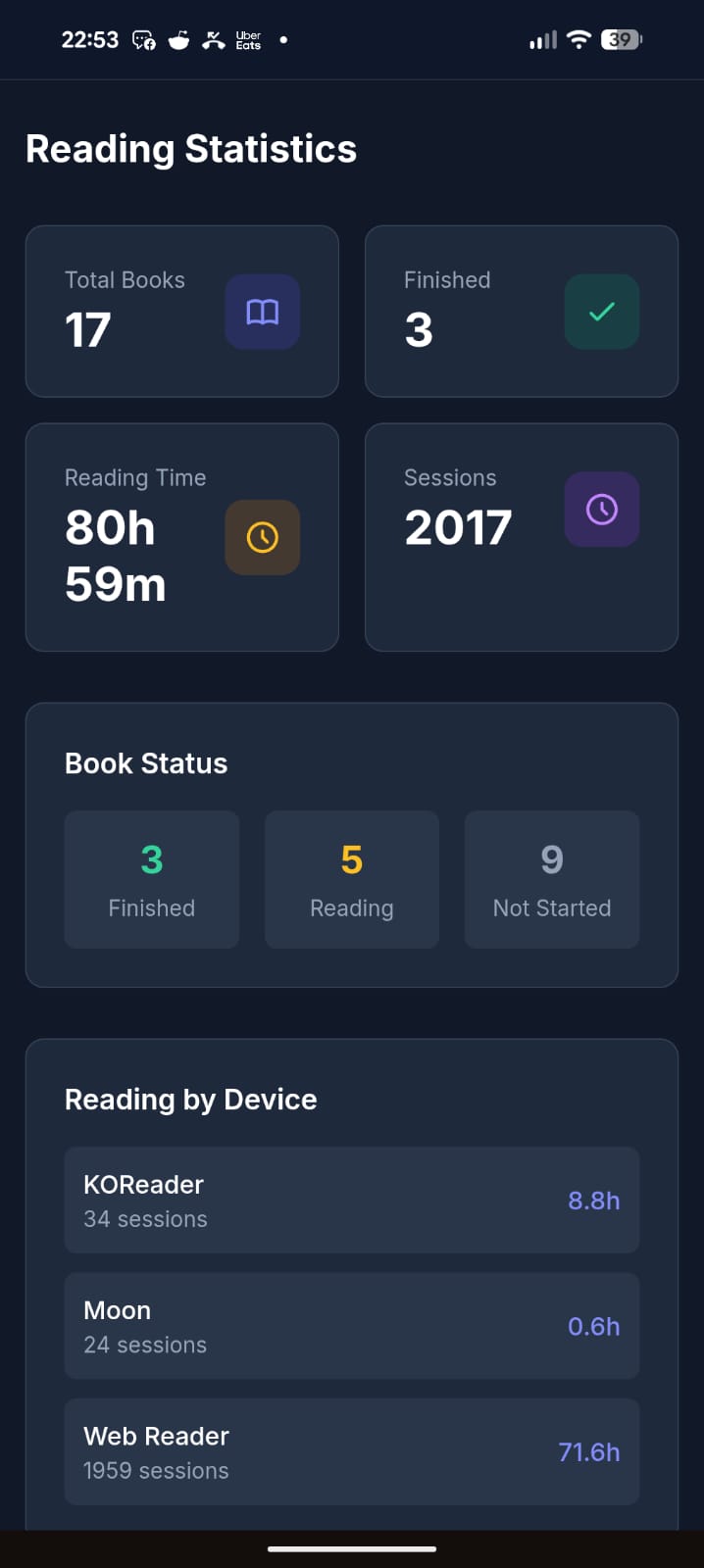
It's open source (MIT), built with Laravel + React, and ships as a single Docker container (SQLite by default, no external DB needed). The entire UI is translated in English, French, and Spanish.
Honest disclaimer: a good chunk of this is vibe-coded. That said, I've been a developer for 20 years, so it's opinionated vibe-coding — I know what I'm looking at. It's been used daily and intensively by about 5 people for the last 3 months, and I keep improving it regularly. It's not bug-free, but I'd call it reasonably stable. I'm being upfront so you know what you're getting into.
There's a free public instance if you just want to try it without installing anything: https://varbook.hophop.be/
- Full write-up on my blog: https://trucs.hophop.be/en/blog/varbook-bibliotheque-epub-self-hosted
- Code: https://github.com/ndieschburg/varbook
- KOReader plugin: https://github.com/ndieschburg/varbook.koplugin
Happy to answer questions or hear what's missing — it scratches my own itch, but I'd love to know if it's useful to anyone else.
Touché 😄 Honestly that's the one feature I can't compete with: a book has infinite battery and zero downtime. Best I can do is offline caching.