276
15
submitted 8 months ago by 0oWow@lemmy.world to c/kde@lemmy.kde.social

I think this has been this way for a little while, but Breeze offers the ability to take it from the half squared/half rounded window decoration to a full rounded version. You just have to enable the thin border option in the Breeze window decoration settings. (sorry I'm not at a Linux OS right now to say exact name of the setting).

HOWEVER, I discovered that Firefox has included the option to make it's own bottom border rounded on Linux, which up until then was a sore point for KDE themes. To enable it, in Firefox about:config, turn "widget.gtk.rounded-bottom-corners.enabled" to "true" and restart Firefox.

I have no idea how long that FF setting has been there, but I'm really glad it is.

Now we have fully rounded window decorations and a proper looking DE. Thanks!!

277
46
This Week in KDE Apps (blogs.kde.org)
278
29
submitted 8 months ago by notanapple@lemm.ee to c/kde@lemmy.kde.social
279
21
submitted 8 months ago by KaKi87@jlai.lu to c/kde@lemmy.kde.social
  1. I start my computer ;
  2. The loading screen appears ;
  3. The login screen appears (but logging in will not work) ;
  4. The screen turns black with underscore ;
  5. The login screen reappears (logging in will finally work) ;
  6. I'm logged in.

It has been like that for a while, I expected this bug to be found & fixed eventually, but after running an update today, it still hasn't, which is why I'm now posting here.

So, when the login screen first appears :

  • either I have time to type my password & press enter, but afterwards the login screen still disappears then reappears as if I never tried to log in ;
  • or I'm still typing the password while it disappears then it reappears as if I never started typing ;
  • or I wait for it to disappear & reappear, and only then I can finally log in.

What to do ?

Thank you

280
55
281
26
282
16

cross-posted from: https://lemmy.abnormalbeings.space/post/932119

A nice little anecdote and important message

283
12
submitted 8 months ago* (last edited 8 months ago) by alecs1@lemmy.kde.social to c/kde@lemmy.kde.social

Some time ago (I think january) Amarok, was updated in Debian, from 2.9.x to 3.x (now it is 3.2.2). After the upgrade Amarok no longer showed the things from the database (lyrics, listen counts, etc).

I would like to restore the statistics database but I did not find the steps. Could you point me to the right instructions, or provide some advice about how to work on this?

284
28
submitted 8 months ago by ravi@toot.io to c/kde@lemmy.kde.social

@prav table in @kde conference in Gandhinagar, #Gujarat.

Cc @bshah @kde

#Prav #XMPP #FreeSoftware

285
138
submitted 8 months ago by mao@lemmy.sdf.org to c/kde@lemmy.kde.social

Just found out about this guy on YouTube named Nuxttux because I've been trying to make some social media videos.

Kdenlive is a completely different beast than the one that I remember using a couple of years ago. It has so much functionality in it, like all the "TikTok effects", proxy clips, rendering previews, visualizing effect curves between keyframes... like damn. This is actually legit software now for my basic needs.

The thing is, it seems like these were all added in the past 2 years, because I had 23.x installed through the Debian repo and I upgraded through Flatpak to 24.12 and it seems to have added all of these?

Anyway holy shit. Go give these guys some money. This is game changing

286
39
287
9

New @opensuse #Tumbleweed snapshot 20250403 released!

Packages changed:
*** it's full of changes and improvements, mostly #Plasma by @kde upgrading to 6.3.4
"sudo zypper dup" is your friend

---
Official announcement
https://lists.opensuse.org/archives/list/factory@lists.opensuse.org/message/FEJ67TSANZO7D364ZIUQW27MP4LEFNI6/

288
53
submitted 8 months ago by kde@floss.social to c/kde@lemmy.kde.social

Today, tomorrow, and Sunday you can come and visit the KDE Community at our event in Gandhinagar, Gujarat, India:

https://conf.kde.in/2025/

Meet contributors, learn about our bleeding edge technologies, and try out exciting and fun applications.
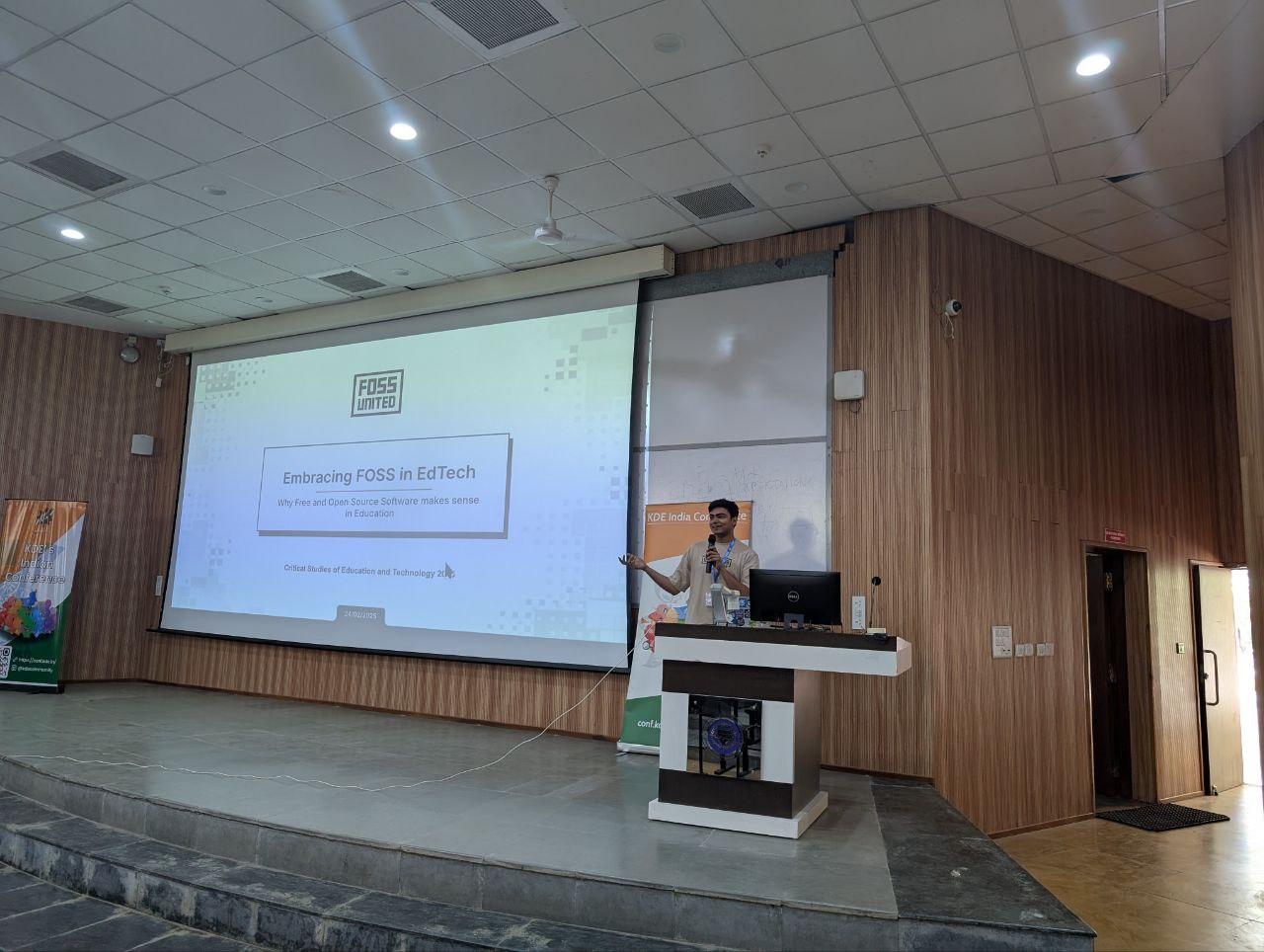
#event #india

@kde@lemmy.kde.social

289
13

I looked at KWin::Window on the Kwin scripting API page but didn’t find any ways to make a given window become maximized.

290
25
submitted 8 months ago* (last edited 8 months ago) by onlinepersona@programming.dev to c/kde@lemmy.kde.social

I configured steam to open on a separate desktop using window rules, but it also grabs the attention and plasma will automatically switch to the desktop it opened to. Is there a way to stop that from happening?

Steam opens 3 windows, so switching to another desktop will be reverted 3 times.

Anti Commercial-AI license

291
40
submitted 8 months ago by cm0002@lemmy.world to c/kde@lemmy.kde.social
292
15

cross-posted from: https://floss.social/users/akademy/statuses/114267360650438090

#Akademy2025 is happening in Berlin, Germany, and online from Saturday the 6th to Thursday the 11th of September.

Mark your calendars!

More details: https://akademy.kde.org/2025/

#KDE #FOSS #techevent #fossevent #linux

@akademy@lemmy.kde.social

293
36
submitted 8 months ago by kde@floss.social to c/kde@lemmy.kde.social

KDE adds The Open Source Promotion Program to its list of mentorship programs.

Want to learn how to contribute to an Open Source project? Check out our blog post and start writing your project submission now!

https://mentorship.kde.org/blog/2025-03-29-ospp/

#training #onboarding #mentor #universities #ospp

@kde@lemmy.kde.social

294
10

I did some looking and there doesn't seem to be one, unless you know of any. Ideally I want a modal file manager like Yazi: it's keys are highly inspired by vim with H J K L navigation (H & L for traversing directories), a visual mode for selecting files, and lots of commands and customization. The one thing its missing is a grid view to preview image files. None of the orthodox file manager seem to have one, including Krusader which I just looked at. I'd love to finally stop using the mouse for file management and could go with either a TUI or GUI manager.

295
93
submitted 8 months ago by cm0002@lemmy.world to c/kde@lemmy.kde.social
296
19
submitted 8 months ago by kde@floss.social to c/kde@lemmy.kde.social

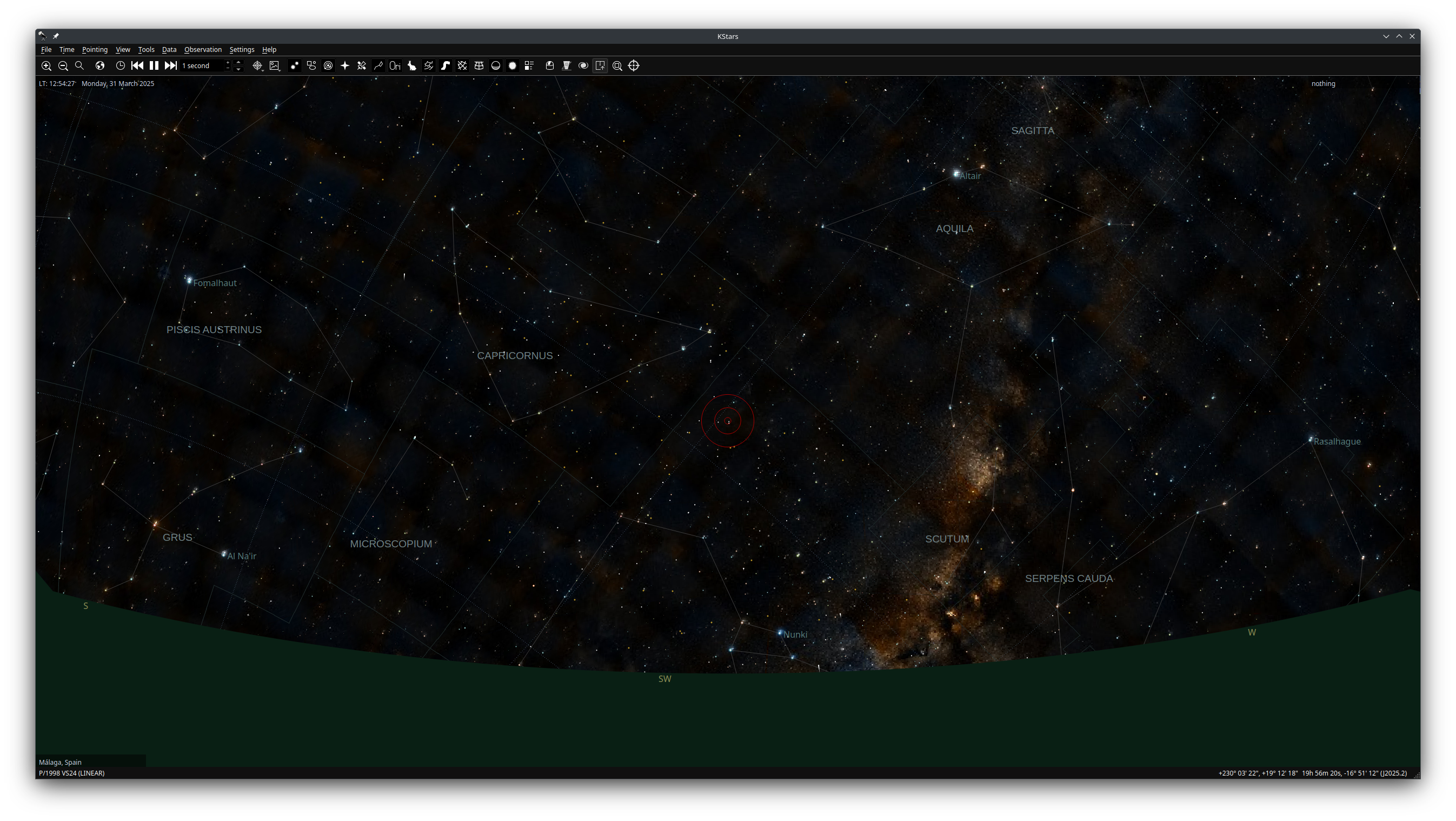
#KStars debuts a new documentation site!

A comprehensive resource that helps you to get to know and make the most of KDE's fantastic night sky observatory and astrophotography utility.

At the moment, only English is available. More languages coming soon.

https://kstars-docs.kde.org/

#astronomy #astrophotography #nightSky #education #photography
@kde@lemmy.kde.social

297
17
298
5

Localized units, DOSIPAS ticket barcode support, GBFS support in #Transitous and a bunch of conference talks - the past two months around #KDE Itinerary: https://volkerkrause.eu/2025/03/30/kde-itinerary-february-march-2025.html

@kde

299
16
submitted 8 months ago* (last edited 8 months ago) by Alaknar@lemm.ee to c/kde@lemmy.kde.social

cross-posted from: https://lemm.ee/post/59831665

Hi all!

I recently installed Tuxedo OS with KDE and Wayland. I'm fairly new to Linux and, so far, the distro is great. With one caveat.

As far as power options go, everything works fine EXCEPT for Sleep. I can put the PC to sleep, but when I wake it up, I land on the login screen wallpaper with the login/password fields barely visible, as if frozen around the second frame of a fade-in animation.

Nothing works. The mouse cursor doesn't move, the keyboard doesn't do anything. The only way out of this state is to hold the power button until the PC shuts down and then turn it back on again.

I did some digging, but couldn't find a solution. Some threads mentioned modifying something in systemd, but those were from years ago, so I didn't want to risk that.

One fairly recent thread had a proposed solution of adding "mem_sleep_default=deep" to GRUB_CMDLINE_LINUX_DEFAULT in /etc/default/grub.

That didn't work for me, though.

I'd love to fix this, but I'm out of ideas. Any help welcome!

300
37
view more: ‹ prev next ›

KDE

7399 readers
1 users here now

KDE is an international technology team creating user-friendly free and open source software for desktop and portable computing. KDE’s software runs on GNU/Linux, BSD and other operating systems, including Windows.

Plasma 6 Bugs

If you encounter a bug, proceed to https://bugs.kde.org/, check whether it has been reported.

If it hasn't, report it yourself.

PLEASE THINK CAREFULLY BEFORE POSTING HERE.

Developers do not look for reports on social media, so they will not see it and all it does is clutter up the feed.
founded 2 years ago
MODERATORS