251
7
submitted 7 months ago* (last edited 7 months ago) by TheTwelveYearOld@lemmy.world to c/kde@lemmy.kde.social

I use maximized window gaps, which enforces window gaps on all windows except for exceptions you specify.

  • By default it also applies to the lock screen showing black borders around it.
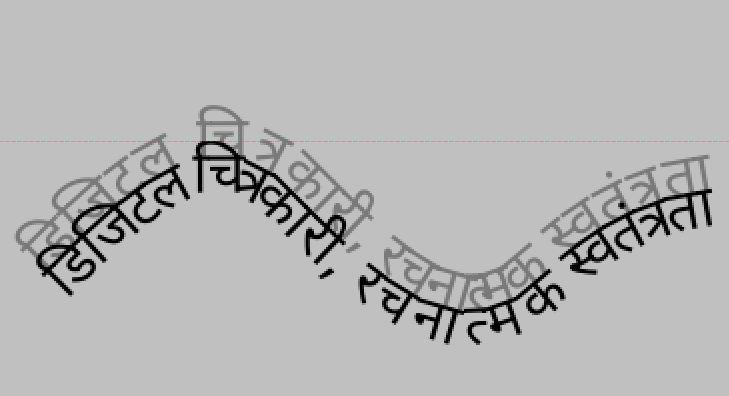
  • The splash screen moves around after I login. Here’s a screenshot I got with ksplashqml --test`.

I went to Settings app > Windows Rules > Add New > Detect Window Properties, and clicking the window shows ksplashqml for the class name, but that doesn't work when I try adding it as an exception to maximized window gaps, other window class names exceptions work like slurp.
252
155
submitted 7 months ago by kdenlive@floss.social to c/kde@lemmy.kde.social

Kdenlive 25.04 is out with background removal (SAM2), OpenTimelineIO import/export, performance enhancements, optimized audio waveforms and lots workflow improvements and bug fixes.

https://kdenlive.org/news/releases/25.04.0/

#kdenlive #floss #videoediting #artWithOpenSource #OTIO #pixar

@kde

253
34
submitted 7 months ago* (last edited 7 months ago) by kde@floss.social to c/kde@lemmy.kde.social

This week in KDE Apps comes with the news of improvements to @Krita's text rendering feature and the progress made to its migration to Qt6 and Wayland support; that KDE's travel assistants share more features and add support for many more transport and entertainment services; and how our suite of convergent applications receive many exciting updates, among many other things.

https://blogs.kde.org/2025/04/27/this-month-in-kde-apps/

@kde@lemmy.kde.social

#apps #OpenSource #FreeSoftware

254
21
submitted 7 months ago by krake@graz.social to c/kde@lemmy.kde.social

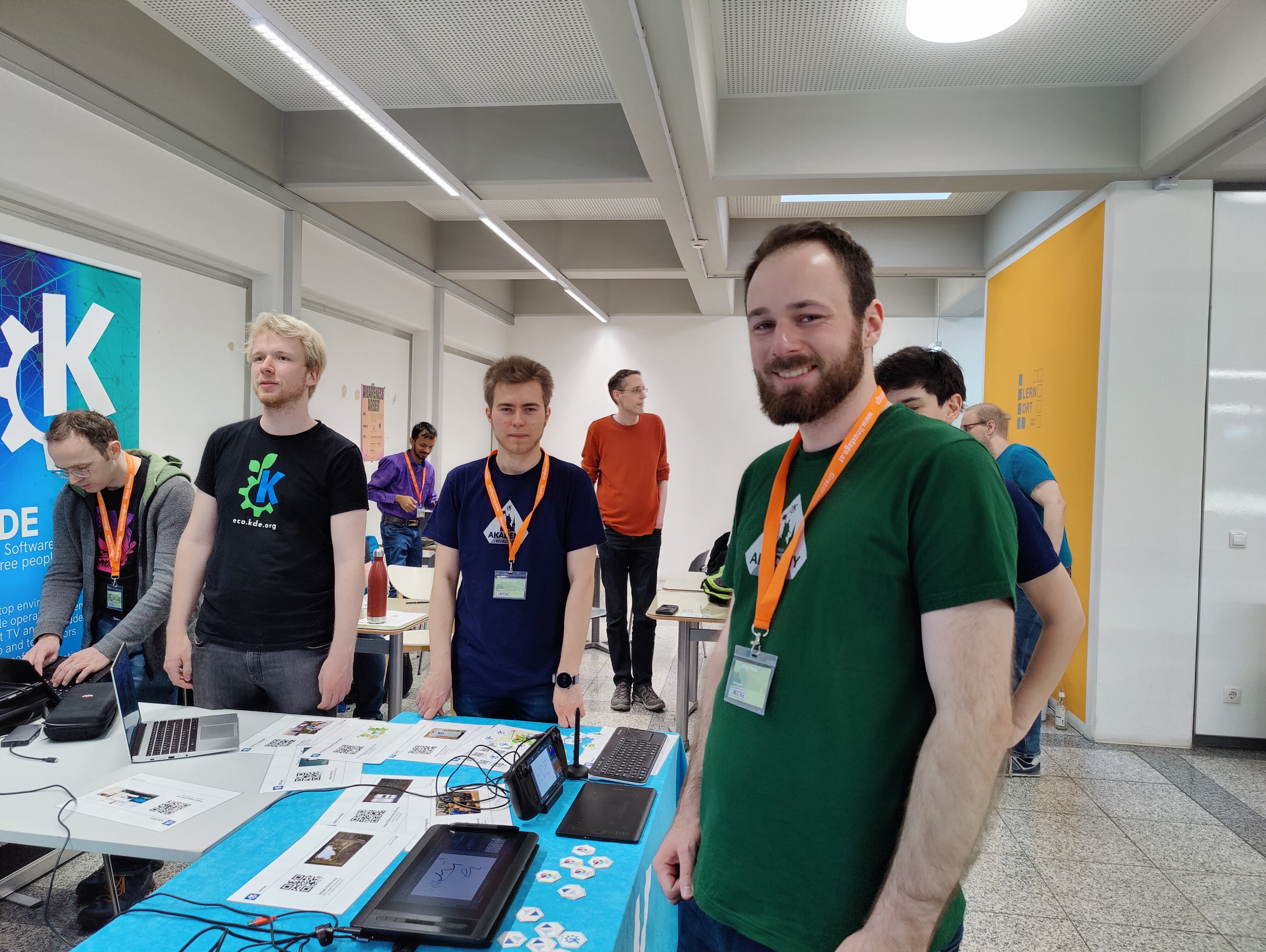
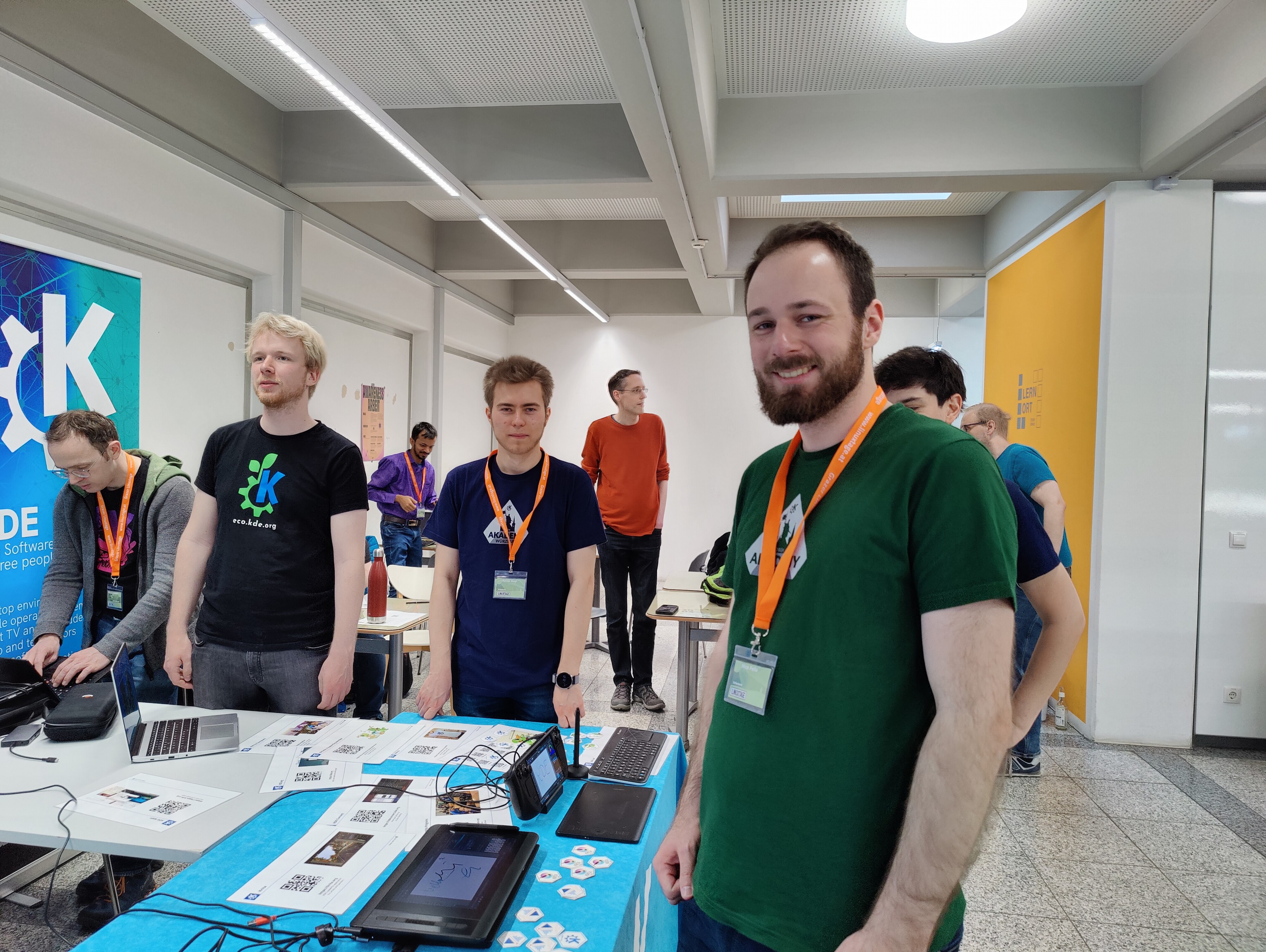
Umfangreiche @kde@floss.social Präsenz auf den #Grazer @linuxtage 😎

Infostand mit #SteamDeck und zahlreichen anderen Geräten, sowie eine spontan geformte Hacker-Ecke 😅

@kde@lemmy.kde.social

255
75
submitted 7 months ago by krake@graz.social to c/kde@lemmy.kde.social

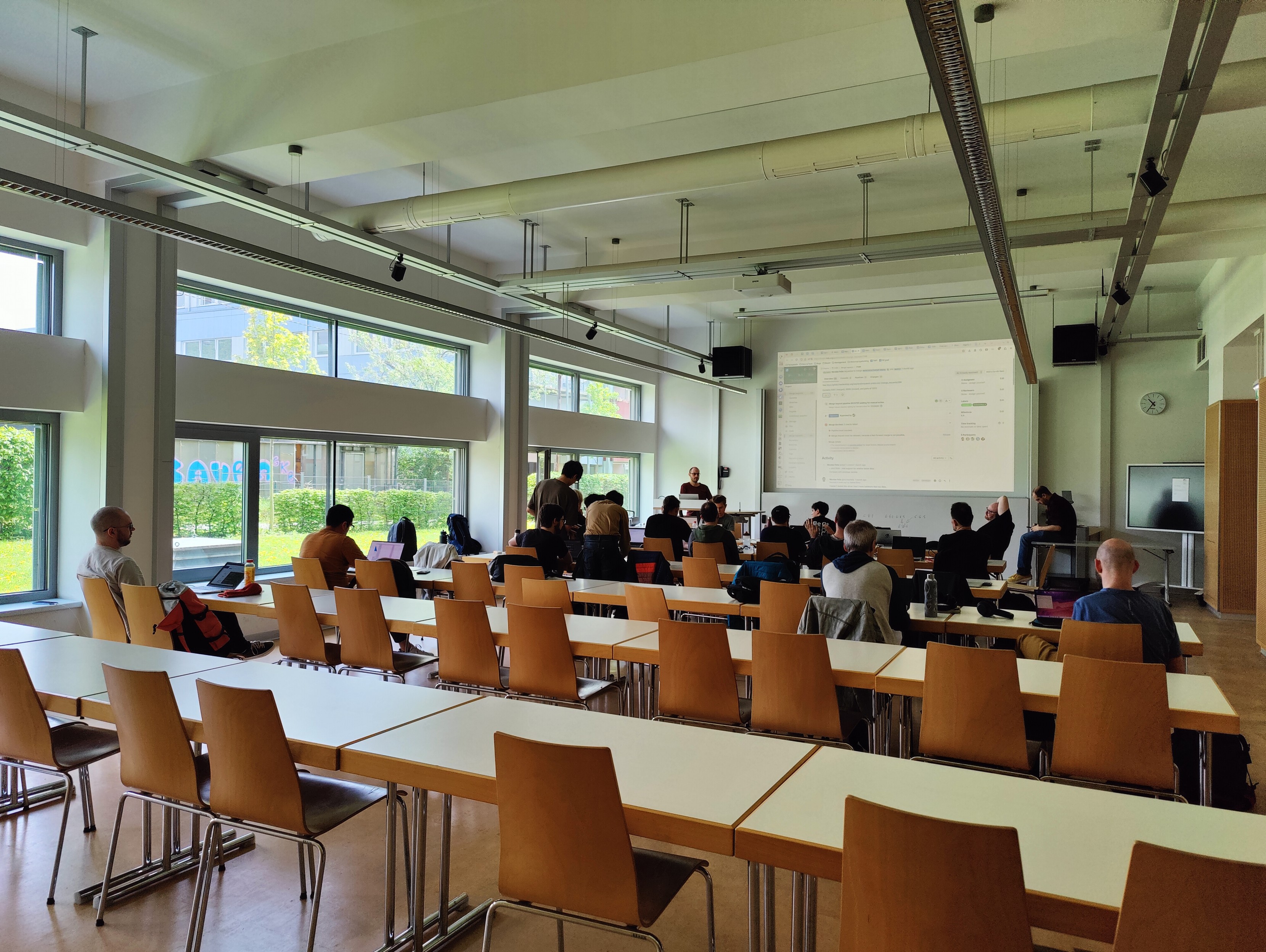
Massive @kde@floss.social presence at #Grazer @linuxtage today 😎
Info booth with lots of different #SteamDeck and other devices, and an impromptu hacking corner 😅

@kde@lemmy.kde.social

256
171
🐬🐬🐬 (lemmy.world)
submitted 7 months ago* (last edited 7 months ago) by qaz@lemmy.world to c/kde@lemmy.kde.social
257
72
258
19
submitted 8 months ago by node815@lemmy.world to c/kde@lemmy.kde.social

I know it was available in KDE 4 and 5 and haven't seen it updated for 6 which I understand. It has come in handy to organize some of the more important folders for myself and family like this:

Example of the color folders I use

My question is, is there a different way of assigning folder colors without the plugin? I imagine a custom icon, but I admit, right clicking and choosing the tint made it dead simple! :)

259
45

The image on the right is how the settings app look on macOS 12. On macOS 13 (2022) it was changed to look more to the one on the left, with all the sections selectable in a sidebar and a smaller window. Many users have complained about it, saying that it sacrificed function for form and is part of making macOS more like iOS by mindlessly copying phone UIs onto computers which it isn't meant for. I think its alright, not terrible. And it's the norm with settings apps looking like that in Windows, KDE, Gnome, and some other DEs.

260
34
submitted 8 months ago* (last edited 8 months ago) by krake@graz.social to c/kde@lemmy.kde.social

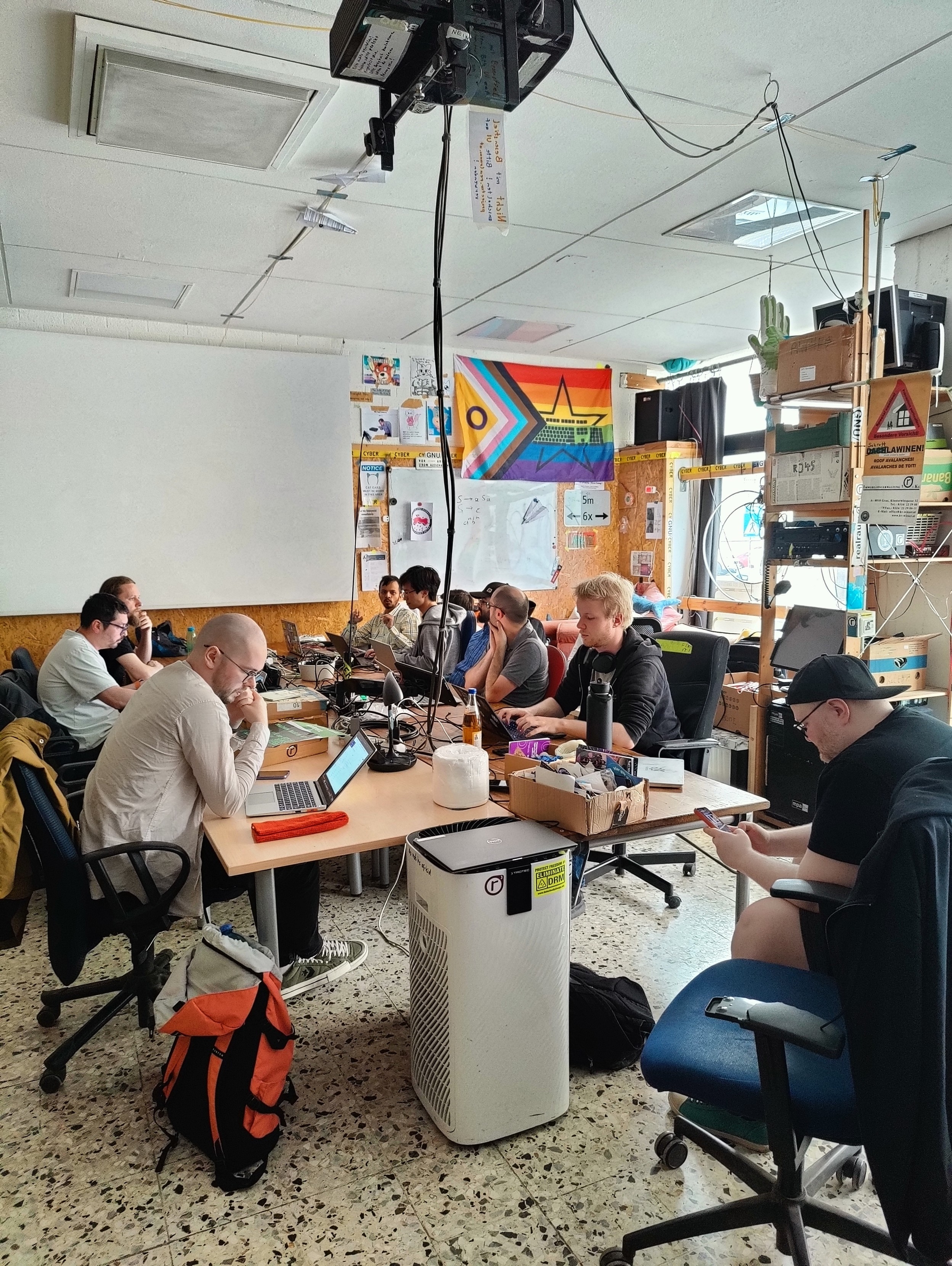
Concentrated hacking at the @kde@floss.social #Plasma #sprint at #TUGraz while a sudden thunderstorm delays our lunch break ⛈️

@kde@lemmy.kde.social

261
9
submitted 8 months ago* (last edited 8 months ago) by recursive_recursion@lemmy.ca to c/kde@lemmy.kde.social

I'm wondering how I can disable the autoscroll in Okular because whenever I'm type into a form field the autoscroll keeps preventing me from seeing the text that's above the form which makes using Okular quite frustrating.

Besides that using Okular has been perfect✨, decades ahead of Adobe Reader🤗

262
39
submitted 8 months ago by krake@graz.social to c/kde@lemmy.kde.social

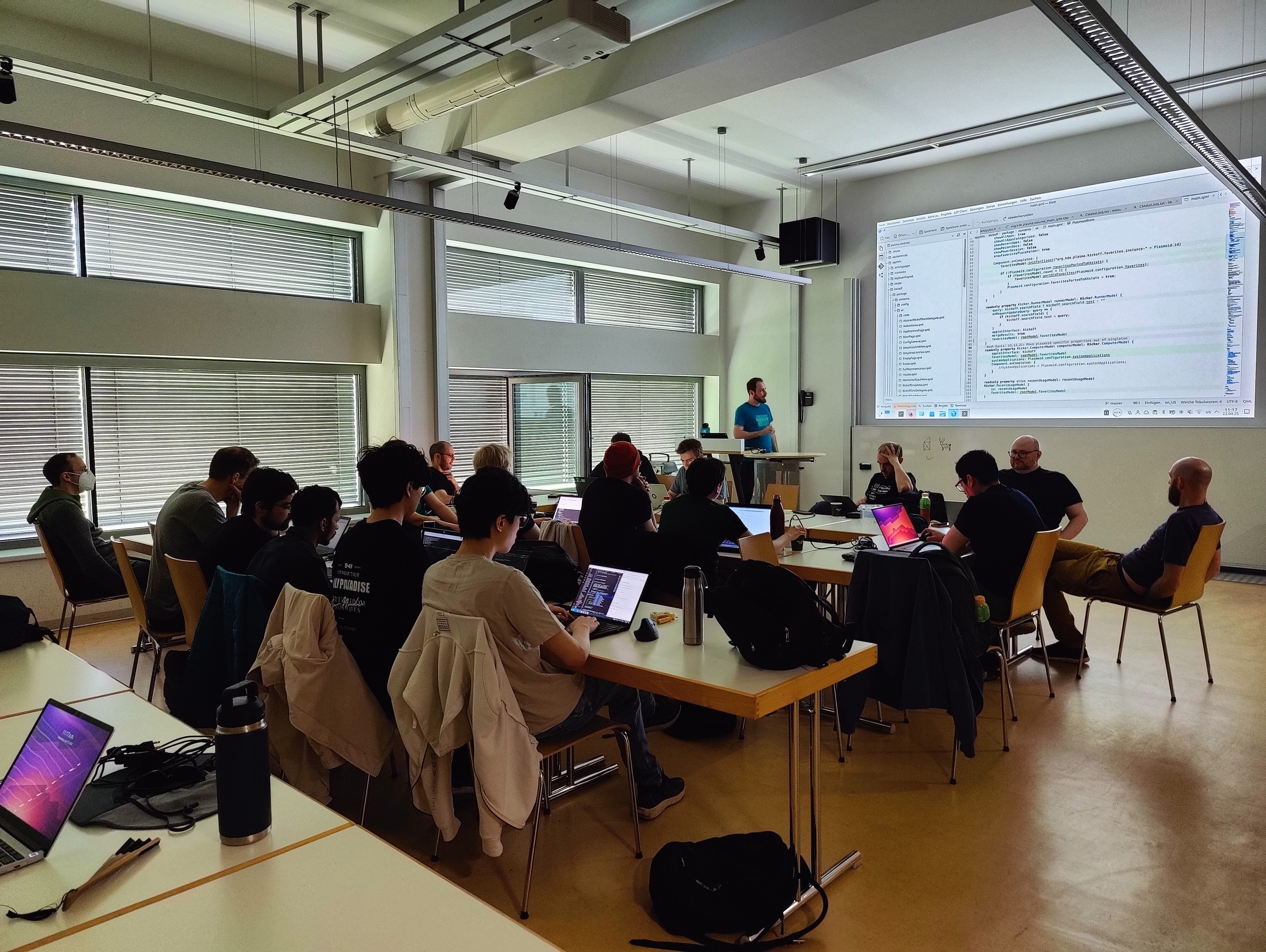
Day 2 of the @kde@floss.social #Plasma #sprint is in full swing 💪

@kde@lemmy.kde.social

263
25
submitted 8 months ago* (last edited 8 months ago) by abobla@lemm.ee to c/kde@lemmy.kde.social

I'm currently using the 25.04.0-1 version

264
90
submitted 8 months ago by krake@graz.social to c/kde@lemmy.kde.social

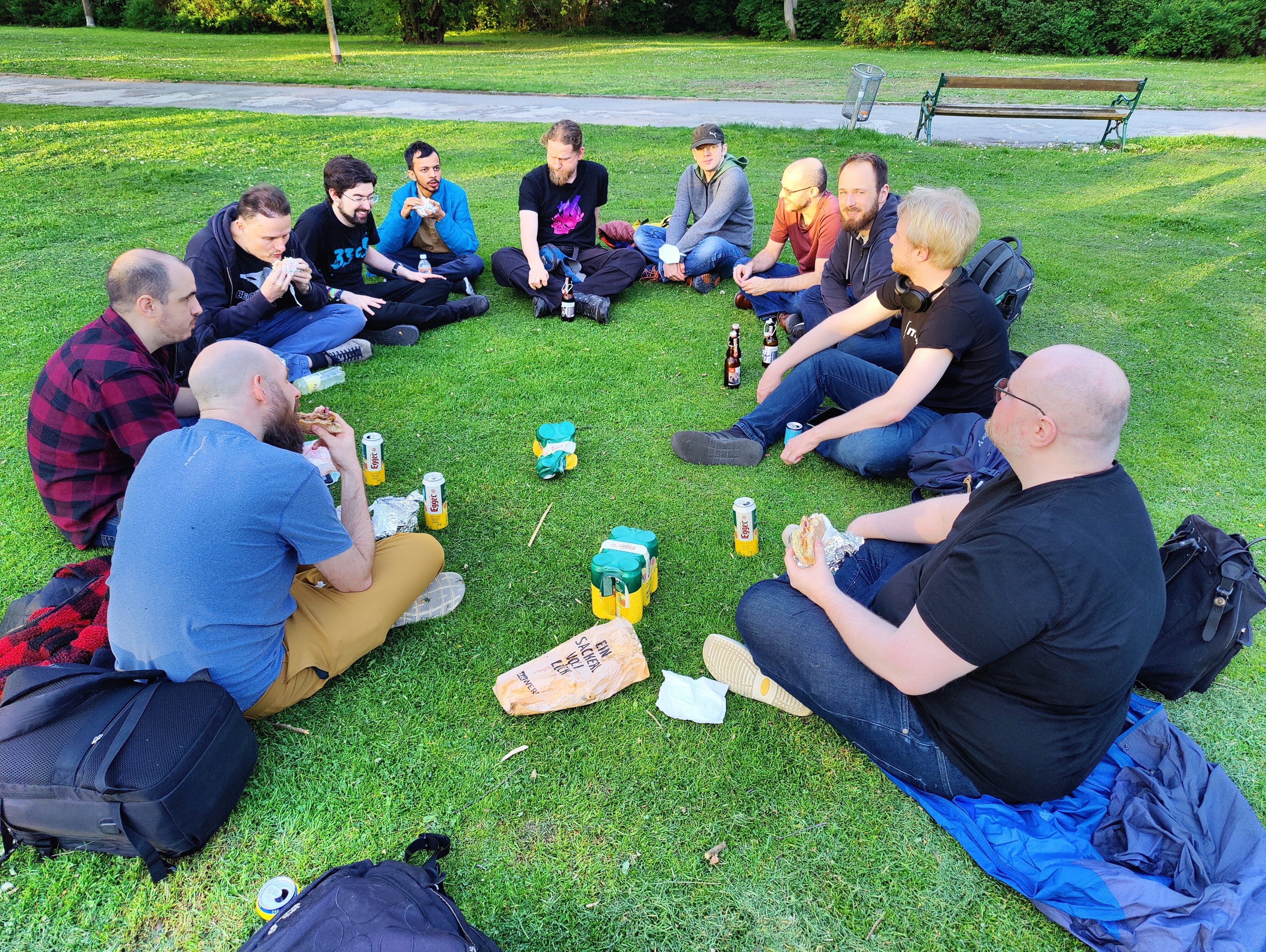
Having a well deserved dinner after a productive @kde@floss.social #Plasma #sprint day.
Picknick Style in #Graz City #Park

@kde@lemmy.kde.social

265
19
submitted 8 months ago* (last edited 8 months ago) by krake@graz.social to c/kde@lemmy.kde.social

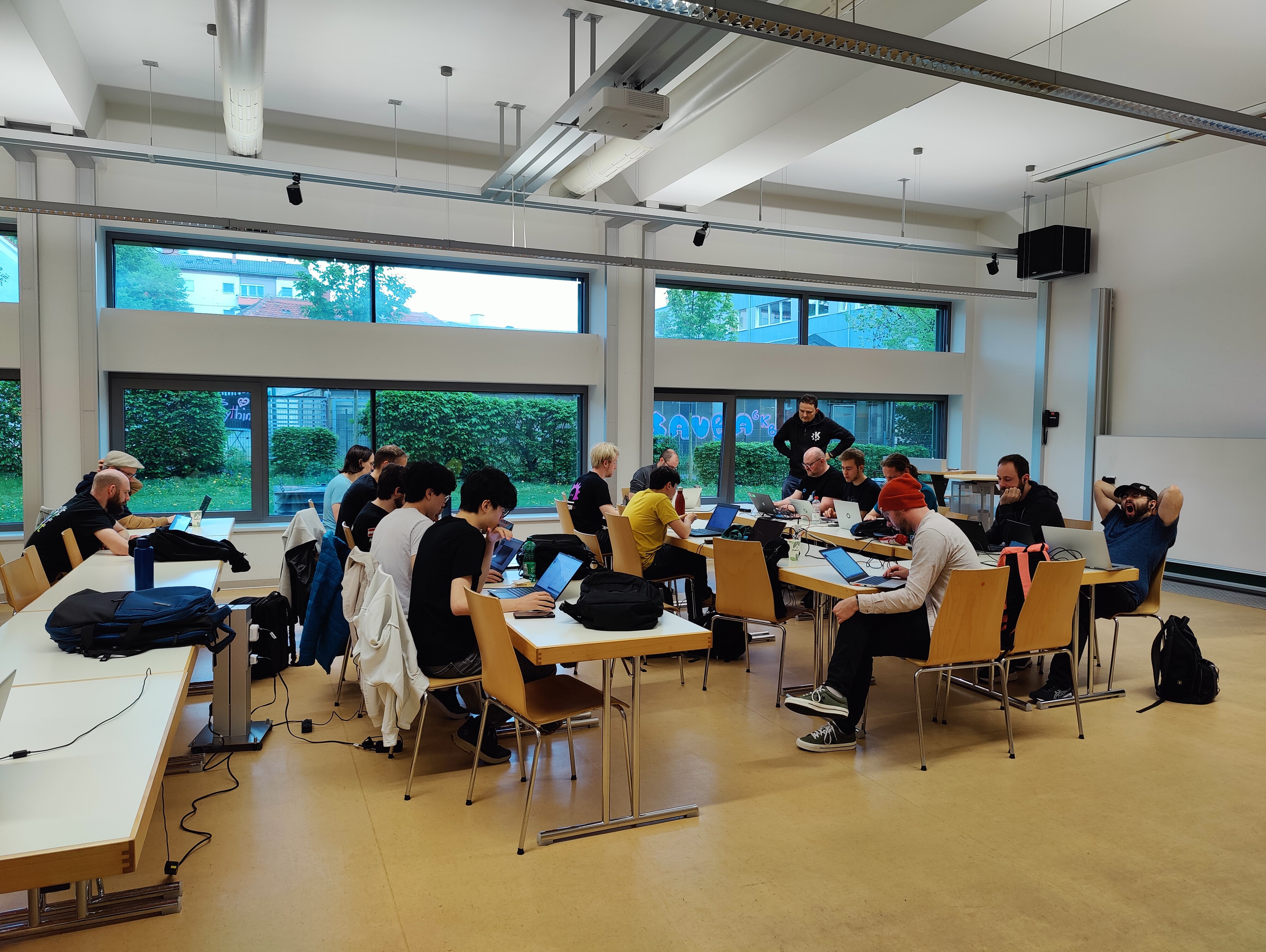
@kde@floss.social #Plasma #sprint at the #TUGraz campus Inffeldgasse ahead of @linuxtage 2025 is in full swing.

@kde@lemmy.kde.social

266
9

I think it is confusing and not sorted correctly. There are categories in Window Managment>Desktop Effects:

  1. Accessibility

  2. Appearance: This has things I don't think even reflect the title of the category. And why does it have minimize and restore windows animations? Shouldn't those have their own? It also has the "Fall Apart" animation. Shouldn't that belong to the "Window Open/Close Animation"? When applied, it overrides whatever you choose in "Window Open/Close Animation". I'm a bit confused. Bottom line, this one has a variety of things, not only appearance things.

  3. Focus

  4. Peak at Desktop Animation

  5. Tools

  6. Virtual Desktop Switching Animation

  7. Window Management

  8. Window Open/Close Animation

Could very well be my rusty English, I don't know. Am I the only who thinks that this section of the settings is kind of mixing many things?

267
16
submitted 8 months ago* (last edited 8 months ago) by krake@graz.social to c/kde@lemmy.kde.social
268
7

I have an issue with hints where I can’t disable the border. In the Kwin Debug Console, the hints window is actually a layer and shows up as KWin::LayerShellV1Window.

269
44
270
13
submitted 8 months ago* (last edited 8 months ago) by MonkeyBrawler@lemm.ee to c/kde@lemmy.kde.social

I've tried Helliboard and Fossify keyboard, and both have issues through KDE remote. Would anyone have a recommendation for a more privacy focused keyboard that works with KDE remote?

Edit: to explain

Helliboard doesn't pass caps.

Fossify keyboard doesn't backspace

271
26
submitted 8 months ago by cm0002@lemmy.world to c/kde@lemmy.kde.social

The Kubuntu Team is happy to announce that Kubuntu 25.04 has been released.

Codenamed “Plucky Puffin”, Kubuntu 25.04 continues our tradition of giving you Friendly Computing by integrating the latest and greatest open source technologies into a high-quality, easy-to-use Linux distribution.

The release features the latest KDE Plasma 6.3 desktop, KDE Gear 24.12.3, kernel 6.14, and many other updated applications and libraries.

272
19
submitted 8 months ago by cm0002@lemmy.world to c/kde@lemmy.kde.social

Every four months, the KDE community rolls out a new wave of app releases all at once.

These updates cover a wide range of needs. Whether you’re managing personal files on your laptop or overseeing servers located thousands of miles away, KDE offers powerful tools to help you stay in control. Need to troubleshoot someone’s system remotely from the comfort of your sofa? There’s an app for that, too. From creating short viral clips for social media to producing full-length documentaries, KDE’s creative tools have you covered. And when it’s time to unwind, you can count on KDE for enjoying music, movies, or a good book.

Keep reading to discover what’s new in KDE Gear 25.04…

273
61
submitted 8 months ago by kde@floss.social to c/kde@lemmy.kde.social

KDE Gear ⚙️ 25.04 is out with new exciting features and improvements landing in Dolphin, Kdenlive, Okular, Itinerary, KDE Connect, Tokodon and many, many more.

https://kde.org/announcements/gear/25.04.0/

#apps #opensource #freesoftware

@kde@lemmy.kde.social

274
29
submitted 8 months ago by KaKi87@jlai.lu to c/kde@lemmy.kde.social

Hi,

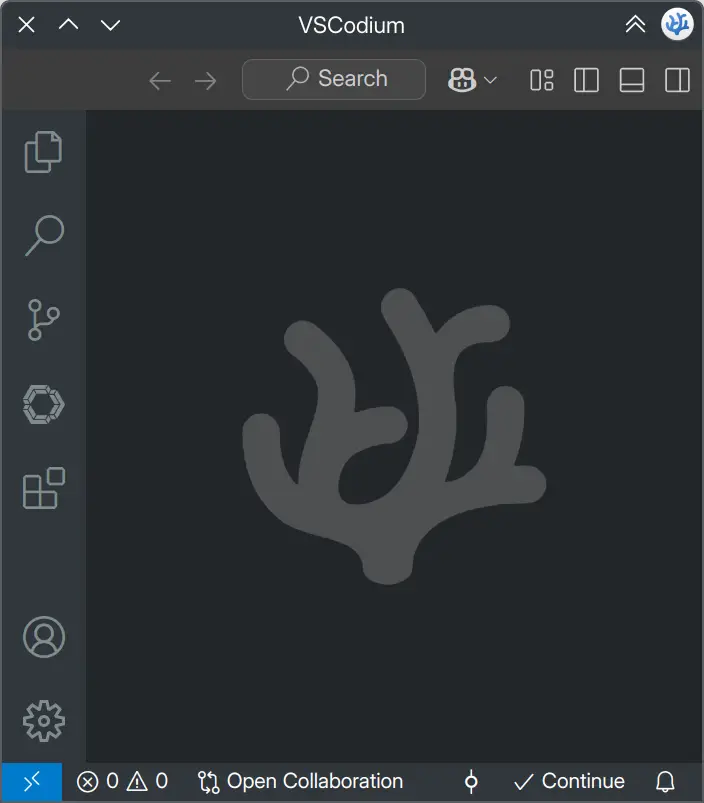
Since the VSCode header changed, the official KDE Breeze theme no longer works for it.

Thanks

275
10
submitted 8 months ago* (last edited 8 months ago) by TheTwelveYearOld@lemmy.world to c/kde@lemmy.kde.social

Edit: None of the answers I got work so I went ahead and filed a bug in KDE bugzilla: https://bugs.kde.org/show_bug.cgi?id=502901

Neither CTRL Q or CTRL W work for me. I set a hotkey for the window operations menu in Settings app > Shortcuts > KWin > Window Operations Menu, but then pressing the close button in the context menu that shows, closes the window of the other window I was focused on and not the debugger.

view more: ‹ prev next ›

KDE

7394 readers
6 users here now

KDE is an international technology team creating user-friendly free and open source software for desktop and portable computing. KDE’s software runs on GNU/Linux, BSD and other operating systems, including Windows.

Plasma 6 Bugs

If you encounter a bug, proceed to https://bugs.kde.org/, check whether it has been reported.

If it hasn't, report it yourself.

PLEASE THINK CAREFULLY BEFORE POSTING HERE.

Developers do not look for reports on social media, so they will not see it and all it does is clutter up the feed.

founded 2 years ago
MODERATORS