981
I_fucking_hate_them_now
(media.piefed.world)
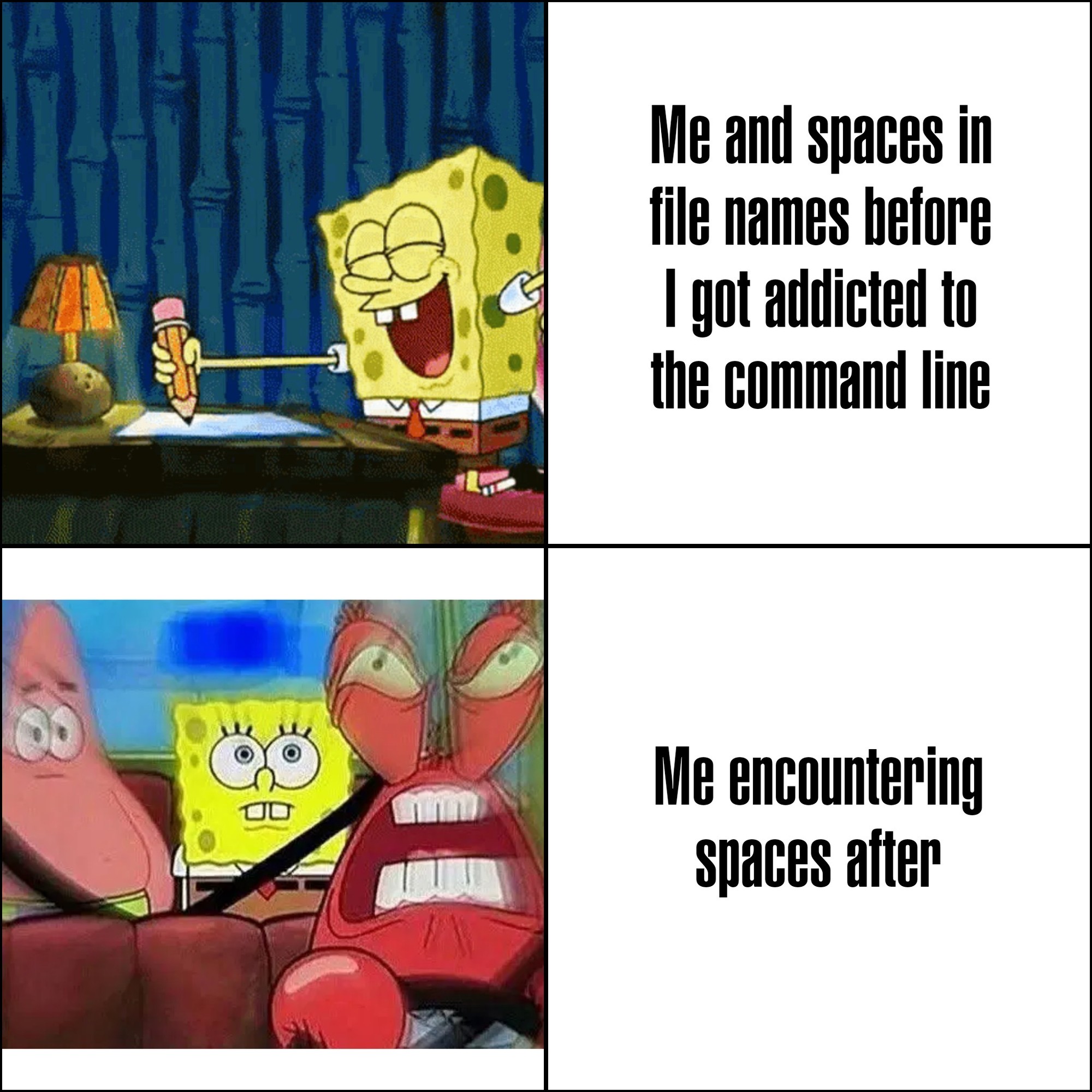
Microsoft intentionally made programs install to C:\Program Files on Windows 95+ to force programmers to deal with spaces in filenames.
Someone make one of those "statements made by the utterly deranged" memes about it, please and thank you.
what is even more funny about this is that the name of that directory used to be locale-dependent, so in sweden it was just called "Program", completely nullifying that idea.
C:\Program Files
C:\Program Files (x86)
C:\ProgramData
The fucking parenthetical x86 absolutely kills me. I don't normally wish dick cancer on people,
It's only localised in the file explorer. The actual folder name is always Program Files.
Only since vista, it used to be localized.
what about placeholders/variables like %localappdata%, %windir%, %programfiles%?
No this is just clever
Given even what little I know of their history and what they are doing now, I cannot be sure this wasn't the intention at least partially
I\ don\'t\ know\ what\ you\ mean,\ I\'ve\ never\ encountered\ any\ annoyances.
'I don\'t know what you mean, I\'ve never encountered any annoyances.'
Single quotes don't allow any escaping in shell, you need
'I don'\''t know what you mean, I'\''ve never encountered any annoyances'
Or, in Zsh with setopt rcquotes:
'I don''t know what you mean, I''ve never encountered any annoyances'
Oh right, good catch. That's me shell scripting while in a meeting. 🫠
Good use of a meeting to be fair
Are you typing the whole filename by hand? Tab expansion exists, you know?
If it fucking works...
Sometimes it does. But not always.
Zsh changed my life, but I still hate escape chars in my command lines for readability reasons
Now I use lowercase and underscores everywhere.
Hyphens > underscores for filenames because all web standards prefer hyphens so if you ever want to network your files its a much smoother experience!
This is what I need, an explicit reason that makes one choice better than another. If hyphens make for a smoother experience, then I'll reconsider my default behavior.
Thanks for pointing out this benefit.
This is the best for tab completion, altho I prefer hyphens visually
the struggle between spaces in filenames look cute and oh fuck what's the code to reference a space in a filename in terminal?
Just put the whole thing in quotes. You might have to escape extra sets of quotes, usually with a backslash.
Or you can also put a \ in front of the space
i think i am old. i grew up using DOS, and really hated spaces in filenames and folders because they appreared truncated at the first space with a tilde and index of that file/folder representation.
ex: C:\folder name is bad\ == C:\folder~1
i hated that so much that when i got to windows 3.1 i refrained from using spaces (some command line was still necessary in w3.1)
i have jept that habit through the years, so when i moved from windoes to linux, my natural instincts of snake_case_folder_names made it so i didnt have to change : D
That's not even DOS I think. As far as I know Win 95 came up with this monstrosity in an attempt to circumvent the 8.3 character limitations present in older versions of DOS.
I think you're misremembering a little. Long filenames was introduced in Win95.
One of the fun things about modern Windows is that ~1 shit still appears every once in a rare while. Gotta love just stacking more and more shit on top of ancient systems in the name of backwards compatibility!
Yea, Win 3.1 didn't support long names - that came with Win95. Win 3.1 was a shell on DOS.
But I understand - it all blends together after um... 40 years (ouch!).
not sure why the default behavior is this:
file\ name\ with\ a\ bunch\ of\ spaces
instead of this:
"file name with a bunch of spaces"
but you can just press " before pressing tab to auto-complete, and it will use the 2nd form
I very intentionally have all my code in Personal Projects 🥰 and Work Projects 🏦 directories so I can find bugs in the handling of file paths.
If your code is written well, it shouldn’t matter.
They're annoying to deal with when interactively using command-line shells, especially so when pasting unquoted and unescaped file paths, doubly especially so with Bash where parameter expansion makes no goddamn sense if you know at least one other programming language
" is your friend
Yep, exactly. And tab. \ is weird at first but makes sense if you think about it
Windows is stupid as shit, trying to shift+right click > open Powershell in a path containing a space results in it throwing an error, and you have to paste the path in yourself anyway
smells like skill issue tbh
tools which cant handle being installed/run on directories with spaces are so annoying
tools which cant handle being installed/run on directories with spaces are unacceptably common
You are clearly not a command line user :)
My work has me working with Matlab Simulink paths, which may (and sometimes actually do) contain newlines.
Now I'm imagining a shell that looks iteratively through arguments to find where quotes would make total sense
$ ls
my victims.ods
$ wipe -f my victims.ods --thorough
So the shell would go like
wipe → command name found, ok-f → no file in the current directory starts with that, skipmy → matches a file, keep in memory...my victims.ods → full match, but missing quotes!Filename "my victims.ods" found without quotes. Choose:
[a]dd quotes this time
[A]lways add quotes (dangerous)
[n]o quotes today please
[N]ever offer adding quotes again
[t]ell me what could possibly go wrong when I choose to always add quotes
[P]unch the person who proposed this feature
For interactive use, tab-completion essentially makes this a non-issue, because shells add escaping in the appropriate places.
For scripting, where spaces are harder to deal with, unfortunately there's just not much you can do; your two options are basically to learn all of your particular shell's patterns for dealing with whitespace in filenames, or only write scripts in something other than a POSIX shell.
Don't try svelte kit. This is pseudocode but it's valid. The only symbol show here that is not real is the / that I've placed at the end of folder to show that they are folders. There are other special cases
routes/
+page.ts
(admin)/
  +page.ts
  [user=uuid]/
    [[community]]/
      +page.ts
    posts/
      [...postIds@]/
        +page.ts
I still use spaces
agreed, "still worth it"
I do, however, tend to keep spaces out of my folder names so i can just use quotes at the end.
/Images/Halloween/Projections/"Creepy Crawlies.mp4"
That's what backslash-tab is for
whitespaceIsTheEnemy
at least you/arent/using\ linux
Computers should just know when I want a space to be part of a file name, and when I want them to be argument separators. No more escaping or quoting.
Welcome to Programmer Humor!
This is a place where you can post jokes, memes, humor, etc. related to programming!
For sharing awful code theres also Programming Horror.